
Stepping up to a 240Hz 1440p monitor is the single most noticeable upgrade you can make to your gaming rig — the jump from a standard 144Hz panel to 240Hz halves the gap between frames, making motion so fluid that ghosting and blur become distant memories, while the 2560×1440 resolution delivers the sweet spot of sharpness without the punishing GPU demands of 4K.
I’m Min — the co-founder and writer behind Gadgets Feed. I spend my days deep in market research and specification analysis, comparing panel types, response times, and color gamut coverage so you don’t have to guess which monitor earns its place on your desk..
Whether you’re a competitive esports player chasing every millisecond advantage or a single-player enthusiast craving deep contrast and vibrant colors, finding the right 240hz 1440p monitor is about balancing panel technology, input connectivity, and ergonomic flexibility — and this guide cuts through the noise to show you exactly what matters.
How To Choose The Best 240Hz 1440p Monitor
Not all 240Hz 1440p monitors are created equal — the panel technology alone can mean the difference between washed-out greys and inky blacks, while your GPU’s output port determines whether you actually hit that full 240Hz refresh rate. Here’s what separates a great buy from a regrettable one.
Panel Type: OLED vs LED vs VA
The panel is the soul of any monitor. For 240Hz 1440p, OLED panels — whether QD-OLED (Quantum Dot OLED) or WOLED (White OLED) — dominate the conversation with near-instantaneous 0.03ms response times and infinite contrast ratios. QD-OLED offers slightly higher color volume and brightness, while WOLED delivers truer blacks in bright rooms and is less prone to purple-tinted reflections. Traditional IPS and VA panels are cheaper but suffer from slower transitions and backlight bleed, making them a distant second choice for competitive gaming.
Refresh Rate & Response Time
240Hz means the display redraws the image 240 times per second, which translates to 4.17ms per frame — drastically reducing motion blur compared to 144Hz (6.94ms). Pair this with a 0.03ms GtG response time, and you have a monitor where pixels change color faster than a single millisecond, eliminating ghosting and smearing even in the fastest FPS titles. Always check that the monitor’s response time is rated in GtG (Grey-to-Grey), not MPRT (Moving Picture Response Time), as MPRT numbers can be misleading.
Connectivity: HDMI 2.1 vs DisplayPort 1.4
To actually run 1440p at 240Hz, your connection must have enough bandwidth. DisplayPort 1.4 is the standard workhorse — it handles the full 240Hz with 8-bit color comfortably. HDMI 2.1 offers similar bandwidth and is essential if you plan to connect a PS5 or Xbox Series X, though many consoles max out at 120Hz. Avoid monitors with only HDMI 2.0 — those are capped at 144Hz at 1440p, rendering half the refresh rate unusable.
Burn-In Prevention & Warranty
OLED monitors are prone to image retention and burn-in over years of static UI elements. Look for features like pixel refresh cycles, logo dimming, and panel cleaning routines. Brands like ASUS (with their custom heatsink and OLED Anti-flicker), Samsung (OLED Safeguard), and LG (with their WOLED’s longer lifespan) offer strong burn-in protection. A 3-year warranty with burn-in coverage — like ASUS and MSI provide — is a significant safety net for long-term ownership.
Quick Comparison
On smaller screens, swipe sideways to see the full table.
| Model | Category | Best For | Key Spec | Amazon |
|---|---|---|---|---|
| LG 27GS93QE | OLED | Best Overall WOLED | 0.03ms GtG, DisplayHDR True Black 400 | Amazon |
| ASUS ROG Strix XG27AQDMG | OLED | Glossy OLED & Burn-in Warranty | 26.5″ Glossy WOLED, 3yr warranty | Amazon |
| Samsung Odyssey OLED G6 (G61SH) | QD-OLED | Glare-Free QD-OLED | Glare-Free, Pantone Validated, 240Hz | Amazon |
| INNOCN 27″ QD-OLED 2780s | QD-OLED | Budget QD-OLED, 280Hz | 280Hz, 0.03ms, DCI-P3 99% | Amazon |
| Acer Predator X27U W1 | QD-OLED | Budget QD-OLED with HDMI 2.1 | DCI-P3 99%, 2x HDMI 2.1 | Amazon |
| AOC Q27GAZD | QD-OLED | Entry-Level QD-OLED | QD OLED, HDR400 True Black | Amazon |
| UPERFECT 24.5″ Portable | LCD | Portable 240Hz Gaming | 500 nits, HDMI 2.1 & DP 1.4 | Amazon |
| Alienware AW3425DW | QD-OLED | Ultrawide Immersion | 34″ 3440×1440, 1800R curve | Amazon |
| Deco Gear R1000 49″ | E-LED | Budget Super Ultrawide | 5120×1440, 1000R curve, 240Hz | Amazon |
| Deco Gear 49″ QD-OLED | QD-OLED | Premium Super Ultrawide | 5120×1440, 0.03ms, 90W USB-C | Amazon |
| MSI MPG 322URX | QD-OLED | 4K 240Hz Hybrid | 32″ 4K QD-OLED, DP 2.1a, 240Hz | Amazon |
In‑Depth Reviews
1. LG 27GS93QE 27-inch Ultragear OLED

The LG 27GS93QE strikes an outstanding balance of price, performance, and long-term reliability. Its WOLED panel delivers true blacks that remain inky even in brightly lit rooms — an advantage over QD-OLED panels that can appear slightly purple under direct light. The 0.03ms GtG response time and 240Hz refresh rate make motion absolutely seamless, and the anti-glare low-reflection coating keeps distractions to a minimum without the softness typical of matte finishes.
Color coverage hits an impressive 98.5% of DCI-P3, and the VESA DisplayHDR True Black 400 certification ensures deep black levels with well-defined shadow detail. The monitor includes a fully adjustable stand with height, tilt, and pivot adjustments, plus HDMI 2.1 and DisplayPort 1.4 inputs. It is also validated as both G-Sync Compatible and AMD FreeSync Premium Pro, making it plug-and-play with any modern GPU.
Where the LG really pulls ahead is in the panel’s scratch resistance and cleanability — the WOLED surface is noticeably tougher than the softer QD-OLED coatings found on competitors. Users consistently praise the accurate, non-oversaturated colors and the overall build quality. The included remote control is a thoughtful bonus for adjusting settings without reaching behind the screen.
Why it’s great
- True black levels in any room lighting
- Matte coating avoids purple-tinted reflections
- Fully adjustable stand with height/pivot
- Both G-Sync and FreeSync Premium Pro certified
Good to know
- Brightness is lower than high-end IPS panels
- Periodic pixel refresh runs automatically
2. ASUS ROG Strix 27” 1440P OLED (XG27AQDMG)

The ASUS ROG Strix XG27AQDMG is arguably the best glossy OLED monitor at 1440p 240Hz. It uses a third-generation WOLED panel with a custom heatsink and advanced airflow design that significantly reduces the risk of burn-in — a major consideration for long-term ownership. The glossy coating makes colors appear punchier and more vibrant than any matte panel, though it does reflect ambient light in very bright rooms.
This monitor also includes ASUS’s exclusive OLED Anti-flicker technology, which minimizes flicker during refresh-rate fluctuations — a common pain point with VRR on other OLEDs. The uniform brightness setting ensures consistent luminance across the entire screen, avoiding the dimming effect some OLEDs exhibit with large white windows. With a 99% DCI-P3 color gamut and a pixel response time of 0.03ms, every frame is razor-sharp and ghosting-free.
The build quality is superb, with a sturdy stand that offers tilt, height, and pivot adjustments. The on-screen menu via DisplayWidget software is intuitive. But the real differentiator is the 3-year warranty with burn-in coverage — rare in the industry and a strong vote of confidence from ASUS. Note that there are no built-in speakers, so you will need external audio.
Why it’s great
- Glossy OLED delivers exceptional color pop
- Custom heatsink reduces burn-in risk
- 3-year warranty with burn-in coverage
- Anti-flicker technology for VRR stability
Good to know
- Glossy screen reflects bright room lighting
- No built-in speakers
3. Samsung Odyssey OLED G6 (G61SH) 27”

The Samsung Odyssey OLED G6 brings Samsung’s QD-OLED technology to the 27-inch 1440p 240Hz class with a few unique tricks up its sleeve. The standout feature is Glare-Free Technology — Samsung’s specialized coating that diffuses reflections without the haziness of a traditional matte finish. It means you get near-glossy color saturation with significantly reduced reflections, a practical win for users with windows or lamps in their field of view.
This monitor is Pantone Validated, reproducing over 2100 colors and 110 skin tones accurately, which is unusual for a gaming-focused display and useful for photo editing work. The 240Hz refresh rate and 0.03ms response time are standard for the tier, but Samsung adds their OLED Safeguard thermal modulation system to actively manage heat and prevent burn-in. The ergonomic stand allows height, tilt, pivot, and swivel adjustments.
HDR10 support provides brighter highlights and nuanced shadows, though peak brightness is typical for a QD-OLED — about 400 nits sustained. Some users note that the monitor reorganizes windows when powered off, which is solved by keeping it on an always-powered USB strip for the pixel refresh cycle. Overall, this is a polished QD-OLED experience backed by Samsung’s 3-year warranty.
Why it’s great
- Glare-Free coating balances pop and reflection control
- Pantone Validated for color-accurate work
- Full ergonomic stand with swivel
- OLED Safeguard burn-in management
Good to know
- Window arrangement resets when power cycled
- Brightness adequate but not class-leading
4. INNOCN 27″ QD-OLED 2K 2780s

INNOCN brings a compelling value proposition to the 240Hz 1440p segment with the 2780s, a QD-OLED monitor that actually pushes the refresh rate to 280Hz — a small but measurable edge over the standard 240Hz competition. The 0.03ms GtG response time ensures motion stays impossibly smooth, and the 1.5 million to one contrast ratio delivers the deep blacks and vibrant colors that OLED is known for.
The panel covers 99% DCI-P3 and includes HDMI 2.1 and DisplayPort inputs, making it compatible with both PC and console gamers. The white chassis is a refreshing design departure from the all-black norm, and the fully adjustable stand supports height, tilt, and pivot for long sessions. INNOCN also offers lifetime technical support with a 30-day free replacement period.
Where the INNOCN compromises slightly is in the brightness adjustment range — some users note it lacks fine-grained control for very dark or bright scenes. The built-in speakers are adequate for system sounds but not for serious gaming or media consumption. Still, for the asking price, this is one of the most affordable ways to get a 27-inch QD-OLED with a 280Hz refresh rate.
Why it’s great
- 280Hz refresh rate exceeds standard 240Hz
- QD-OLED contrast and color at a competitive price
- Fully adjustable stand included
- Lifetime technical support
Good to know
- Limited brightness fine-tuning in menu
- Speakers are basic and underwhelming
5. Acer Predator X27U W1bmiipprx

The Acer Predator X27U is one of the most affordable QD-OLED options at 27 inches, offering a WQHD 2560×1440 resolution, 240Hz refresh rate, and a 0.03ms response time. It features two HDMI 2.1 ports and two DisplayPort 1.4 inputs, giving you outstanding connectivity flexibility — particularly useful for owners of both a gaming PC and a PS5 or Xbox Series X.
The QD-OLED panel delivers 99% DCI-P3 color gamut with Delta E<2 accuracy, making it a solid choice for both gaming and content consumption. The ZeroFrame design reduces bezel distraction, and the included stand offers tilt, height, pivot, and swivel adjustments. AMD FreeSync Premium certification ensures smooth, tear-free gameplay when paired with an AMD GPU, while G-Sync users report excellent compatibility despite no formal NVIDIA certification.
Build quality is plastic but feels solid, though some units have arrived with minor damage to the stand in shipping. The menu system is complex and lacks a sharpness overdrive adjustment, which competitive players may miss. Brightness is adequate for most rooms, but it will not compete with the brightest IPS panels in sunlit spaces. At its sale price, this is a phenomenal entry point into OLED gaming.
Why it’s great
- Two HDMI 2.1 ports for multi-console setups
- Excellent color accuracy (Delta E<2)
- Full ergonomic stand included
- Very competitive price for QD-OLED
Good to know
- Plastic build with some wobble
- Menu lacks overdrive and sharpness controls
6. AOC 27″ QD OLED Gaming Monitor Q27GAZD

AOC’s Q27GAZD is an aggressive price leader in the 1440p 240Hz QD-OLED space, often found well below the mark. It uses a Quantum Dot OLED panel with 147.6% sRGB and 110.2% DCI-P3 color gamut coverage, delivering the vibrant, punchy colors and infinite contrast that make OLED so compelling. The 0.03ms GtG response time is instantaneous, and the 240Hz refresh rate keeps motion crisp.
The monitor supports HDR400 True Black, which enhances the perception of deep blacks and bright highlights. It includes a single DisplayPort and two HDMI inputs — though critical to note that the HDMI ports are limited to 165Hz, so hitting the full 240Hz requires a DisplayPort connection. Adaptive-Sync compatibility works seamlessly with both G-Sync and FreeSync systems.
Where AOC saved money is on the stand — it is short, lacks height adjustment, and feels cheap. Owners overwhelmingly recommend using a VESA mount or monitor arm. The upper bezel is also slightly thicker than premium competitors. For gamers on a tight budget who prioritize panel quality over build polish, this is an outstanding value. Just budget for a monitor arm.
Why it’s great
- Exceptional price-to-performance ratio
- Rich QD-OLED color coverage
- 0.03ms response time eliminates ghosting
- VESA mount compatible
Good to know
- HDMI limited to 165Hz — uses DP for 240Hz
- Stand is poor — plan for a monitor arm
7. UPERFECT 24.5″ 2K 240Hz Portable Monitor
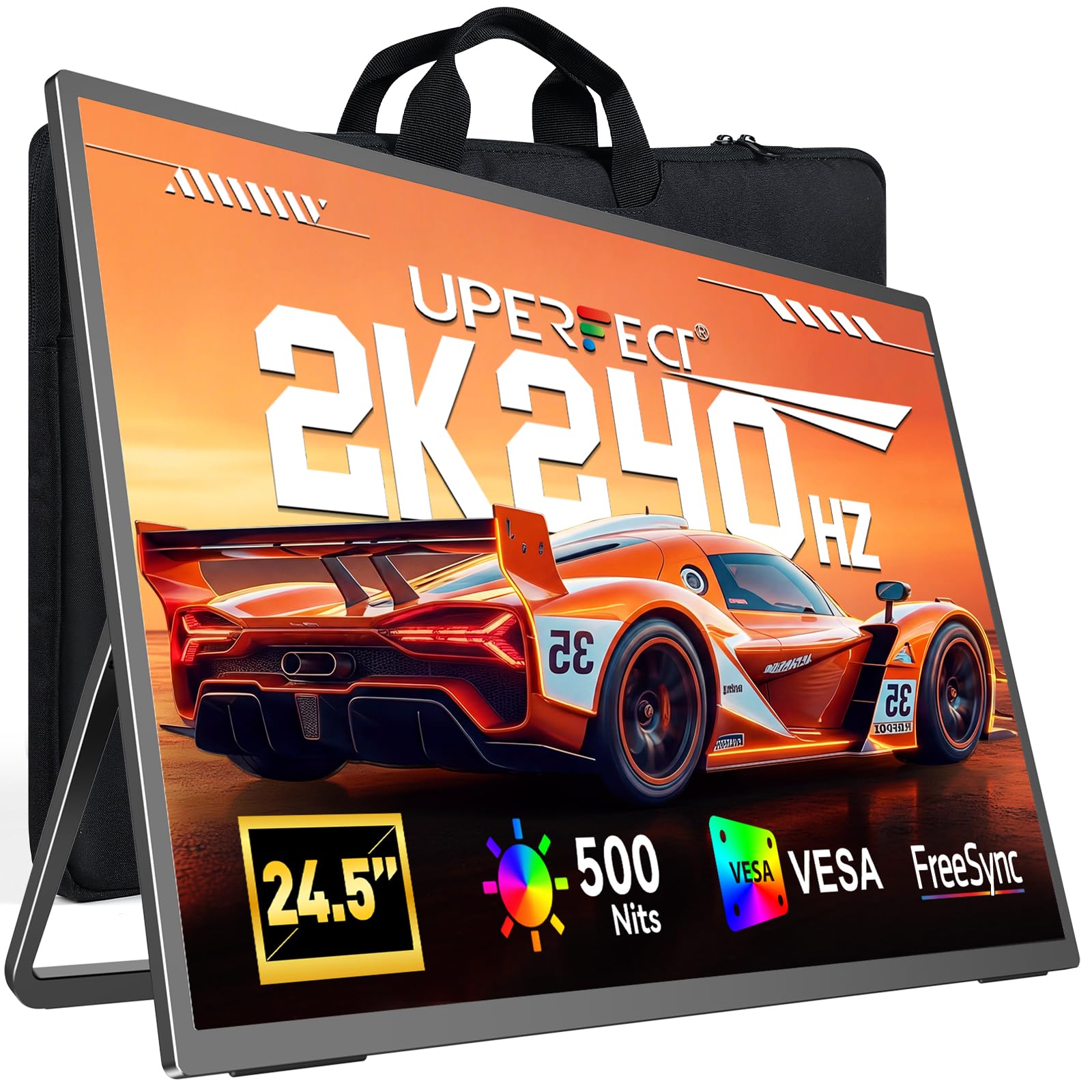
The UPERFECT 24.5-inch portable monitor is a unique entry in the 240Hz 1440p space — it packs the full QHD resolution and 240Hz refresh rate into a portable 24.5-inch form factor that you can actually take to LAN parties or use as a secondary screen on a desk. The 0.1ms response time is snappier than many stationary monitors, though it uses an LCD panel rather than OLED, so contrast is 2000:1 rather than infinite.
Brightness is a standout feature at 500 nits, making it usable in brighter environments where most OLEDs struggle. HDR support adds some extra dynamic range, and the inclusion of both HDMI 2.1 and DisplayPort 1.4 ensures that the full 2K@240Hz output is achievable with compatible devices. The built-in 180-degree adjustable stand and 75x75mm VESA mount offer flexible setup options.
The metal frame feels sturdy and the anti-glare coating keeps reflections manageable. It does require external power — a 45W PD charger and cables are included. The control panel has multiple buttons that may be confusing at first, and there is no carrying case in the box. As a portable gaming solution, it delivers desktop-level performance without the bulk, but the LCD panel cannot match OLED black levels or response time.
Why it’s great
- True portable 1440p 240Hz gaming
- 500 nits brightness for bright rooms
- HDMI 2.1 and DP 1.4 connectivity
- Metal build, VESA mountable
Good to know
- LCD panel, not OLED — lower contrast
- Requires external power source
- No carrying case included
8. Alienware 34 240Hz QD-OLED (AW3425DW)

The Alienware AW3425DW is a 34-inch ultrawide QD-OLED monitor that pushes the 3440×1440 resolution at 240Hz — a rare combination in the ultrawide space. The 1800R curvature wraps around your peripheral vision, and the QD-OLED panel delivers 99.3% DCI-P3 color coverage with Delta E<2 accuracy. The infinite contrast ratio makes HDR content look spectacular, with VESA DisplayHDR True Black 400 certification backing it up.
Adaptive sync support is comprehensive — it works with NVIDIA G-Sync Compatible, AMD FreeSync Premium Pro, and VESA AdaptiveSync, ensuring a smooth experience regardless of GPU brand. The stand offers height, tilt, and swivel adjustments, while the sleek design with customizable AlienFX lighting adds to the premium feel. A microfiber cloth is included for careful cleaning of the QD-OLED surface.
As a QD-OLED, it shares the common trait of slightly lower brightness in very bright rooms and subtle text clarity issues compared to IPS panels. The ultrawide format makes it a multitasking powerhouse, but you will need a powerful GPU to push this resolution at 240Hz in modern games. At its price point, this is the ultrawide benchmark for gaming immersion.
Why it’s great
- Ultrawide 240Hz QD-OLED immersion
- Universal adaptive sync support
- VESA DisplayHDR True Black 400
- Premium build with adjustable stand
Good to know
- Requires a high-end GPU for 240Hz at 3440×1440
- Text clarity slightly softer than IPS
9. Deco Gear R1000 49” Curved Super Ultrawide
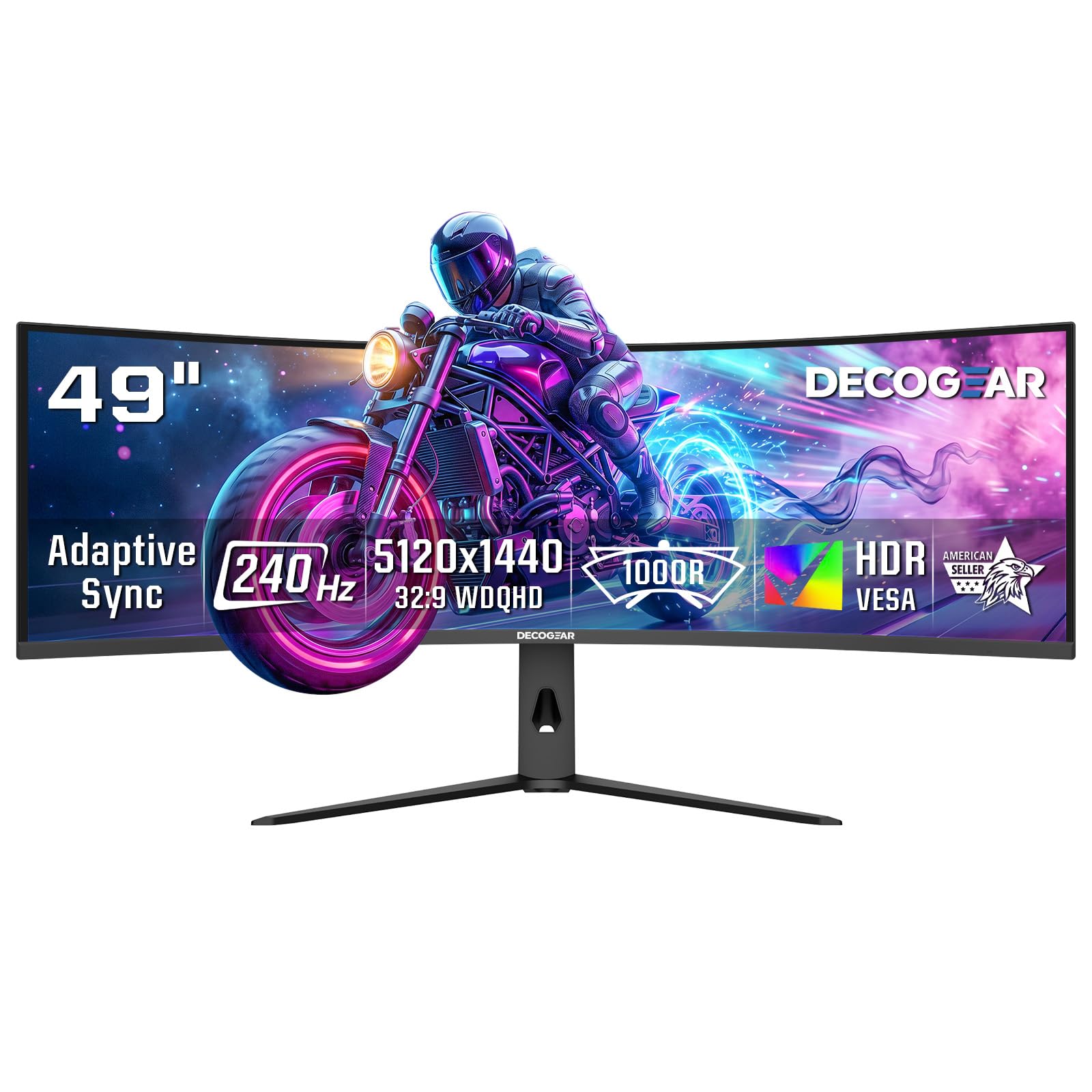
The Deco Gear R1000 brings 49 inches of super ultrawide real estate — effectively two 27-inch 1440p monitors side by side without a bezel. The 5120×1440 resolution at a 32:9 aspect ratio gives you an enormous field of view, and the 1000R curve matches the natural curvature of the human eye for truly immersive gaming. It runs at 240Hz, which is exceptional for a panel of this size.
The contrast ratio of 3000:1 is excellent for a VA-type panel (E-LED classification), and HDR support adds depth to supported content. Adaptive Sync and Overdrive technology help reduce tearing and ghosting. Connectivity includes two HDMI 2.1 ports running at 48 Gbps and a DisplayPort 1.4 input, along with Picture-in-Picture and Picture-by-Picture modes for productivity workflows.
At its price point, this is a budget super ultrawide — it uses a VA-like panel rather than OLED, so you get good contrast but not infinite blacks, and motion handling is not quite OLED-grade. The 300-nit brightness is adequate for indoor use but not exceptional. For gamers who want the immersive sweep of a 49-inch screen without spending premium OLED money, this is a compelling option.
Why it’s great
- Massive 49-inch 32:9 gaming canvas
- 240Hz refresh rate at super ultrawide resolution
- Two HDMI 2.1 ports with full bandwidth
- PIP/PBP for multi-input productivity
Good to know
- VA-based technology, not OLED
- 300 nits brightness is adequate but not bright
10. Deco Gear 49″ QD-OLED 240Hz Ultrawide

The Deco Gear 49-inch QD-OLED ultrawide is the OLED counterpart to the company’s budget offering, and the difference is night and day. With a QD-OLED panel delivering 1,500,000:1 contrast ratio, 1.07 billion colors, and true blacks, games and movies look radically more dimensional than on any LCD-based ultrawide. The 5120×1440 resolution at 240Hz with 0.03ms response time is the peak of ultrawide performance.
Connectivity is premium-grade: a USB-C port with 90W Power Delivery means you can power and display from a single cable to a compatible laptop, making it a genuinely functional workstation monitor. The built-in KVM switch lets you control two devices with one keyboard and mouse setup, and PIP/PBP support allows simultaneous input display. Adaptive Sync, anti-burn-in protection, and flicker-free operation round out the feature set.
Some users have reported quality control issues with the power cable on certain units, and the large footprint demands a substantial desk space. The QD-OLED panel is the same Samsung-made panel found in much more expensive monitors, making this excellent value for the ultrawide enthusiast. If you have the desk space and GPU power, this is a statement piece that performs as well as it looks.
Why it’s great
- 49-inch QD-OLED with infinite contrast
- 90W USB-C for single-cable laptop setup
- Built-in KVM switch for multi-device control
- 240Hz with 0.03ms response time
Good to know
- Very large footprint — needs deep desk
- Some QC reports on power cable
11. MSI MPG 322URX QD-OLED 32″ 4K 240Hz

The MSI MPG 322URX is a 32-inch 4K QD-OLED monitor that runs at 240Hz — a combination that was practically impossible for most GPUs just a generation ago. It uses Samsung’s third-generation QD-OLED panel, offering stunning color volume with 99% DCI-P3, Delta E≤2 accuracy, and a 1,500,000:1 contrast ratio. The 0.03ms GtG response time is instantaneous, and VESA DisplayHDR True Black 400 ensures deep black levels.
The connectivity is future-proofed with DisplayPort 2.1a (UHBR20), offering up to 80 Gbps of bandwidth — enough for native, uncompressed 4K at 240Hz. HDMI 2.1 and USB-C ports round out the I/O. MSI includes OLED Care 2.0 with a 3-year burn-in warranty, giving long-term confidence. The built-in stand allows tilt adjustment, and VESA mounting is supported.
This is not strictly a 1440p monitor — it is a 4K screen that can of course run 1440p — but including it here is relevant because it represents the bleeding edge of high-refresh OLED technology. You will need a very powerful GPU to drive 4K at 240Hz, but for those who want both resolution and speed, the MPG 322URX delivers. Some units have shipped with minor cosmetic damage, so inspect on arrival.
Why it’s great
- 4K resolution with 240Hz refresh rate
- DP 2.1a for uncompressed 4K 240Hz bandwidth
- 3rd-gen QD-OLED panel with vibrant colors
- 3-year burn-in warranty included
Good to know
- Need a very powerful GPU for 4K 240Hz
- Some units arrive with minor shipping damage
FAQ
Can I run 1440p 240Hz on an HDMI 2.0 port?
Is OLED burn-in still a concern on 240Hz monitors?
What GPU do I need for 1440p 240Hz gaming?
Should I choose a QD-OLED or WOLED panel?
Final Thoughts: The Verdict
For most users, the 240hz 1440p monitor winner is the LG 27GS93QE because it combines a WOLED panel that looks great in any room, flawless adaptive sync support, a fully adjustable stand, and a reasonable price that undercuts premium competitors while sacrificing nothing meaningful in gaming performance. If you want a glossy OLED with the best burn-in warranty in the business, grab the ASUS ROG Strix XG27AQDMG. And for budget-conscious buyers who refuse to compromise on panel quality, nothing beats the AOC Q27GAZD — just plan to mount it on an arm.