
The search for a compact screen that doesn’t compromise on next-generation console performance ends with a very specific set of specifications. A 43-inch television with an HDMI 2.1 port is the sweet spot for gamers who need a desk-friendly size without sacrificing the high bandwidth required for 4K at 120Hz, Variable Refresh Rate, and Auto Low Latency Mode. Without that port, the most powerful consoles and graphics cards are capped, forcing you to choose between resolution and frame rate.
I’m Min — the co-founder and writer behind Gadgets Feed. I specialize in dissecting the technical specifications that separate a genuinely future-proof purchase from one that will frustrate you in a year, particularly the interplay between HDMI 2.1 bandwidth, panel refresh rates, and VRR implementation. (And Homer 🐱 supervised the wiring from a warm windowsill, unimpressed by any cables thinner than his tail).
Whether you are looking to get the most out of a PlayStation 5 or Xbox Series X on a desk, or you simply want a secondary display with fluid motion for PC gaming, this guide cuts through the marketing noise. Here is the definitive breakdown of the best 43 inch tv with hdmi 2.1 for 2024 and beyond, ranked by real-world performance, not list price.
How To Choose The Best 43 Inch TV With HDMI 2.1
Many buyers assume any port labeled “HDMI” will deliver the same high-refresh experience, but HDMI 2.1 is a distinct hardware specification offering 48Gbps of data throughput. Without it, 4K at 120Hz with 10-bit color is simply not possible. Focus first on the bandwidth, then on the supporting features.
Confirm Full HDMI 2.1 Bandwidth
Not all ports labelled 2.1 are equal. Some budget sets cap at 24Gbps or 32Gbps, which can handle 4K 60Hz but not the full 4K 120Hz with HDR. A true 48Gbps port unlocks 4:4:4 chroma subsampling at 4K 120Hz, critical for reading small text on a PC desktop. Look for explicit mention of 48Gbps in the spec sheet.
Assess VRR and ALLM Support
Variable Refresh Rate (VRR) keeps the screen in sync with the console frame-by-frame, eliminating screen tearing and stuttering. Auto Low Latency Mode (ALLM) automatically switches the TV into its lowest latency picture preset. A set with FreeSync Premium or G-Sync compatible certification guarantees a smooth, tear-free experience without diving into menus.
Match the Panel to Your Room
In a 43-inch form factor, the panel choice defines the experience. For a bright living room with windows, a QLED or Mini-LED delivers high brightness and excellent color volume without risk of burn-in. For a dark media room or home office, an OLED panel provides infinite contrast and the fastest pixel response times, with absolute blacks that no backlit technology can match.
Quick Comparison
On smaller screens, swipe sideways to see the full table.
| Model | Category | Best For | Key Spec | Amazon |
|---|---|---|---|---|
| Samsung S90F OLED | Premium | Ultimate image quality | QD-OLED, 144Hz, 48Gbps HDMI 2.1 | Amazon |
| Sony BRAVIA 3 II | Premium | PS5 integration | XR Processor, 120Hz VRR, ALLM | Amazon |
| Samsung Q8F QLED | Mid-Range | Bright room gaming | QLED, 144Hz, 100% Color Volume | Amazon |
| Amazon Ember Mini-LED | Mid-Range | Smart home integration | 512 dimming zones, 144Hz | Amazon |
| Sony BRAVIA 2 II | Mid-Range | Reliable 4K upscaling | 4K Processor X1, 120Hz | Amazon |
| Hisense E6 QLED | Mid-Range | Budget QLED gaming | Motion Rate 120, Game Mode Plus | Amazon |
| TCL 43P7K QLED | Mid-Range | Value 120Hz performance | 120Hz Game Accelerator, Dolby Atmos | Amazon |
| Hisense A7 Series | Mid-Range | Entry-level gaming features | 60Hz panel, Game Mode Plus | Amazon |
| VIZIO V-Series | Budget | Budget 4K with basic gaming | WiFi 6E, AMD FreeSync | Amazon |
| LG UQ7070 | Budget | Basic smart TV use | webOS 22, 4K UHD | Amazon |
| iFFALCON 55U85 | Premium+ | Multi-console setup (55-inch) | 4x HDMI 2.1, 144Hz Mini-LED | Amazon |
In‑Depth Reviews
1. Samsung 42-Inch Class OLED S90F

The Samsung S90F is the gold standard for a desktop gaming monitor disguised as a television. Its 42-inch QD-OLED panel delivers per-pixel lighting with infinite contrast, and the NQ4 AI Gen3 processor pushes brightness beyond typical OLED limits, making HDR highlights in games like Cyberpunk 2077 or Forza Horizon truly pop. The 144Hz native refresh rate with Motion Xcelerator ensures blur-free motion, and the 48Gbps HDMI 2.1 port handles 4K 144Hz with VRR without any bandwidth bottleneck.
Color volume is where this set leaves the competition behind. Quantum Dot technology in an OLED structure produces a billion colors with vivid saturation even in bright scenes. For a desk setup where you sit close, this means you see the full gradation of a sunset sky in Red Dead Redemption 2 without any banding. The anti-reflective coating works well in moderate room light, keeping reflections off the glossy screen.
The main downside is price—this is a premium investment. The 42-inch size is also slightly larger than typical monitors, so ensure your desk depth is at least 30 inches. The Tizen smart platform has improved but still shows some advertising. For uncompromised image quality in a compact size, this is the definitive choice.
Why it’s great
- Infinite OLED contrast with QD color volume
- True 144Hz native panel with 48Gbps HDMI 2.1
- Excellent AI upscaling for lower-resolution content
Good to know
- Premium price tier
- Fragile panel; careful with cleaning
- Built-in sound lacks bass depth
2. Sony BRAVIA 3 II 43 Inch (K-43XR30M2)

The Sony BRAVIA 3 II is the most intelligent HDMI 2.1 television for PlayStation 5 owners, thanks to exclusive features like Auto HDR Tone Mapping and Auto Genre Picture Mode. The XR Processor uses AI to analyze each scene in real-time, optimizing color, contrast, and clarity. The 120Hz panel with VRR and ALLM delivers smooth, low-latency gaming, and the 48Gbps HDMI 2.1 port ensures full bandwidth for 4K 120Hz.
Upscaling is where Sony’s heritage shines. The 4K XR-Reality PRO technology cleans up noise from streaming sources and brings them closer to native 4K, which matters when you are switching between a native PS5 game and a Netflix stream. The X-Balanced Speakers deliver surprisingly clear dialog for a slim TV. Google TV with Gemini makes content discovery fast, and the Sony Pictures CORE app includes free movie credits.
One compromise is the Direct LED backlight—it lacks the local dimming zones of Mini-LED competitors, so blooming around bright subtitles is visible in a dark room. The bezel is thicker than the Samsung OLED, and the smart interface occasionally shows ads. For a gamer who prioritizes Sony’s processing smarts and PS5 synergy, this is the mid-range king.
Why it’s great
- Exclusive PS5 auto HDR and genre mode
- Best-in-class 4K upscaling for streaming
- Solid 120Hz VRR performance
Good to know
- Direct LED backlight shows blooming
- No 144Hz support
- Google TV interface can feel ad-heavy
3. Samsung 43-Inch Class QLED Q8F

The Samsung Q8F delivers the best performance in a brightly lit room among 43-inch options. Its Quantum Dot layer produces 100% color volume, meaning the full DCI-P3 color gamut stays vivid even at high brightness levels. The AirSlim design sits flat against the wall, and the Motion Xcelerator pushes the panel to 144Hz for tear-free PC gaming. The Q4 AI Processor upscales SDR content to HDR-like quality.
The HDMI 2.1 port supports 4K 144Hz, and VRR works over FreeSync Premium, which matches well with both Xbox Series X and high-end GPUs. The SolarCell remote is a welcome touch—no batteries needed. Samsung Tizen OS provides access to Samsung TV Plus free channels. The wide viewing angles hold up well for a VA-type QLED panel.
The downside is sound quality—the built-in speakers lack bass and overall presence, so a soundbar is strongly recommended. The anti-reflective coating is good but not industry-leading. If you game near a window or in a living room with ambient light, this set’s brightness keeps the image punchy where others would wash out.
Why it’s great
- Excellent high-brightness color volume
- True 144Hz with FreeSync Premium
- Thin, wall-friendly design
Good to know
- Weak built-in audio
- No Dolby Vision support
- VA panel has some off-axis shift
4. Amazon Ember 55″ Mini-LED Series (Fire TV)

Amazon’s own Mini-LED series brings 512 individual dimming zones to the table, which dramatically improves contrast over conventional edge-lit or full-array LED TVs. Each zone can be lit or dimmed independently, so a starfield in a game like Starfield appears with true black space and bright pinpricks of light. The 144Hz panel is certified for AMD FreeSync Premium Pro, guaranteeing low latency and tear-free motion at high frame rates.
The peak brightness reaches 1400 nits, which qualifies it for proper HDR impact in both Dolby Vision IQ and HDR10+ Adaptive formats. The Fire TV interface is deeply integrated with Alexa, allowing hands-free commands. The Omnisense sensor wakes the display when you approach, showing ambient artwork. The 2.1-channel Dolby Atmos audio with a built-in subwoofer is noticeably better than most competitors.
One downside is the smart platform itself—Fire OS can feel sluggish after updates, and the home screen pushes Amazon content. The 55-inch size is also larger than the 43-inch target, so it suits a deeper desk or a secondary room. For a feature-packed Mini-LED set that does double duty as a smart hub, this is a unique option.
Why it’s great
- 512-zone Mini-LED for high contrast
- 1400-nit peak HDR brightness
- Integrated subwoofer delivers decent bass
Good to know
- Fire OS can get slow over time
- 55-inch size may not suit all desks
- Optical audio output has compatibility quirks
5. Sony BRAVIA 2 II 43 Inch (K-43S20M2)

The Sony BRAVIA 2 II is a more affordable entry into the Sony ecosystem with the same PS5-specific features as its pricier sibling—Auto HDR Tone Mapping and Auto Genre Picture Mode. This means plugging in a PS5 gives you instant optimized picture settings without any manual tweaking. The 4K Processor X1 delivers solid upscaling, bringing detail back to older 1080p games and standard def content. Motionflow XR keeps fast-paced racing and fighting games clear.
At 43 inches, this fits comfortably on a standard desk or media console. The panel is a standard LED with good contrast but lacks local dimming, so dark room performance shows some grey blacks. The Google TV interface is clean and integrates well with Android devices. The Eco Dashboard is a nice touch for keeping energy consumption low. HDMI 2.1 handles 4K 120Hz with VRR.
The main limitation is the processor—the X1 lacks the AI muscle of the XR chip, so upscaling is effective but not as refined. The built-in speakers are adequate for voices but flounder with movie bass. For a budget-friendly path to Sony’s PS5 integration, this is the best compromise without stepping up to the premium tier.
Why it’s great
- Full PS5 HDMI 2.1 feature set
- Compact 43-inch fit for desks
- Sony’s reliable 4K upscaling
Good to know
- No local dimming
- Standard 60Hz panel (no 120Hz)
- Audio is underwhelming
6. Hisense 43″ E6 Cinema Series Hi-QLED

Hisense’s Hi-QLED technology offers a richer color spectrum than standard LED TVs, bringing vibrancy to sports, gaming, and streaming at a price that undercuts Samsung’s QLED line. The Total HDR Solution includes Dolby Vision, HDR10+ Adaptive, HDR10, and HLG, so no format is left out. Game Mode Plus with VRR and ALLM keeps input lag low enough for casual and competitive gaming. The Motion Rate 120 helps smooth fast-moving content.
Fire TV built-in with Alexa voice control makes this a natural choice for Amazon Prime households. The AI Light Sensor adjusts brightness to ambient room light, saving power and reducing eye strain. The overall visual result is impressive for the cost—deep blacks in dark scenes and punchy highlights in HDR demo material. The design is clean with slim bezels.
The panel is 60Hz native, not 120Hz, so the Motion Rate 120 uses frame interpolation. Competitive gamers seeking true 120Hz refresh will need to look elsewhere. The Fire OS can be sluggish when multiple apps are cached. For a primary living room TV that prioritizes HDR compatibility and color over raw refresh rate, this is a standout.
Why it’s great
- Full suite of HDR formats supported
- Vibrant Hi-QLED color performance
- Fire TV with Alexa hands-free
Good to know
- 60Hz native panel
- Fire OS can lag under load
- Audio requires a soundbar for impact
7. TCL QLED 43″ 43P7K
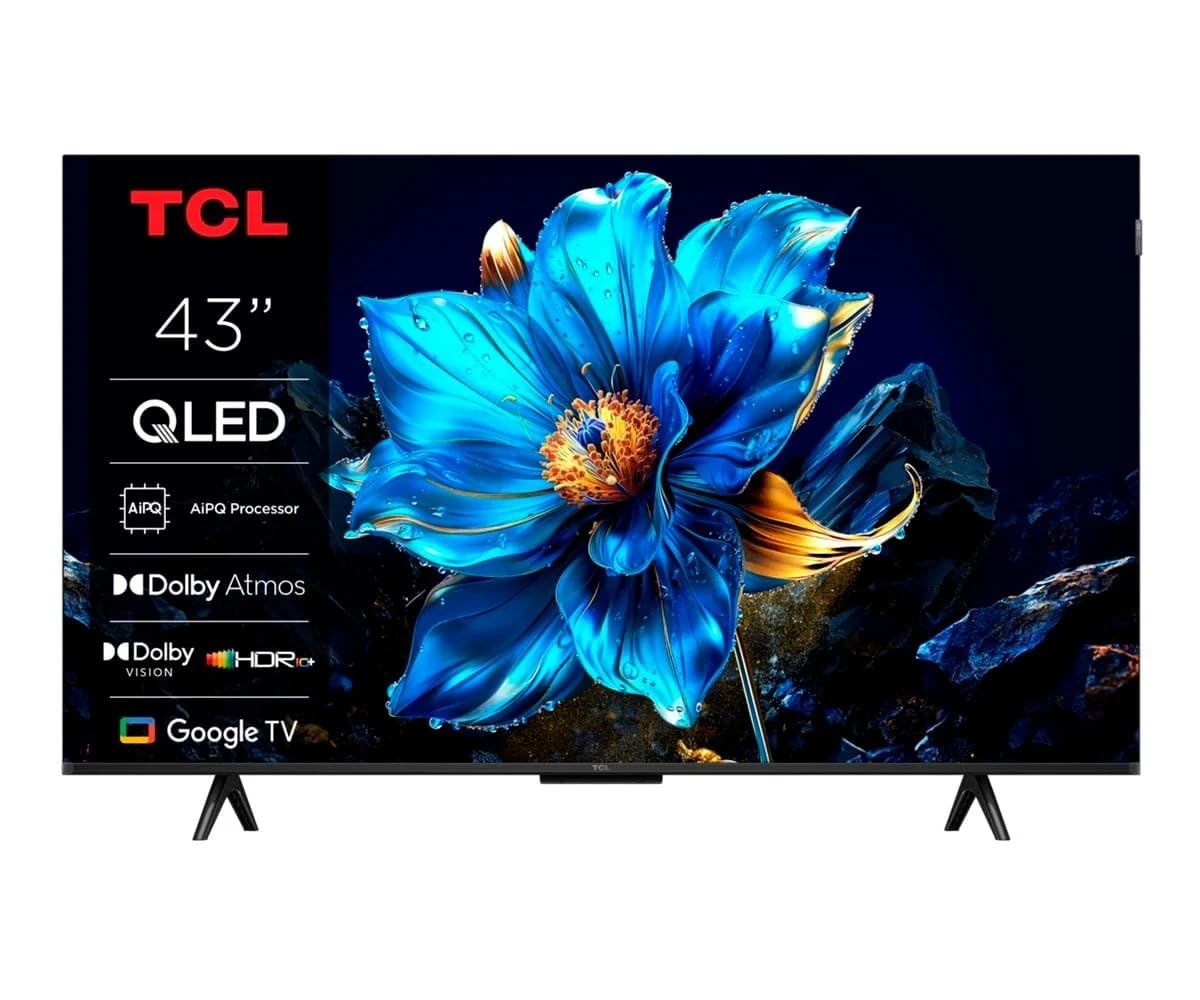
The TCL 43P7K packs a 120Hz Game Accelerator into a 43-inch QLED frame at a price that redefines the entry-level for high-refresh gaming. The AiPQ Processor handles upscaling and color mapping, and Multi HDR Format support includes HDR10. The panel is a high-contrast QLED design, producing deeper blacks than an edge-lit LED. Google TV provides a clean interface with fast app switching. Dolby Atmos passthrough over HDMI eARC is included for external soundbars.
The physical build is sturdy with a metal stand, and the bezel is thin. The remote control feels responsive, with dedicated buttons for major streaming services. The 4K picture quality is sharp, and motion handling in sports mode is commendable. At this price point, receiving a true 120Hz panel is the headline feature—most competitors at this level cap at 60Hz.
The downsides include a lower peak brightness, making it less ideal for very bright rooms. The smart platform, while fast, has some software quirks reported by international users. The built-in speakers are adequate but lack bass. For a budget-conscious gamer who needs 120Hz for console play, this is the most direct value proposition on the list.
Why it’s great
- Affordable 120Hz native panel
- Good QLED contrast
- Google TV is intuitive
Good to know
- Lower peak brightness
- No Dolby Vision support
- Software updates can be uneven
8. Hisense A7 Series 43-Inch (43A7N)
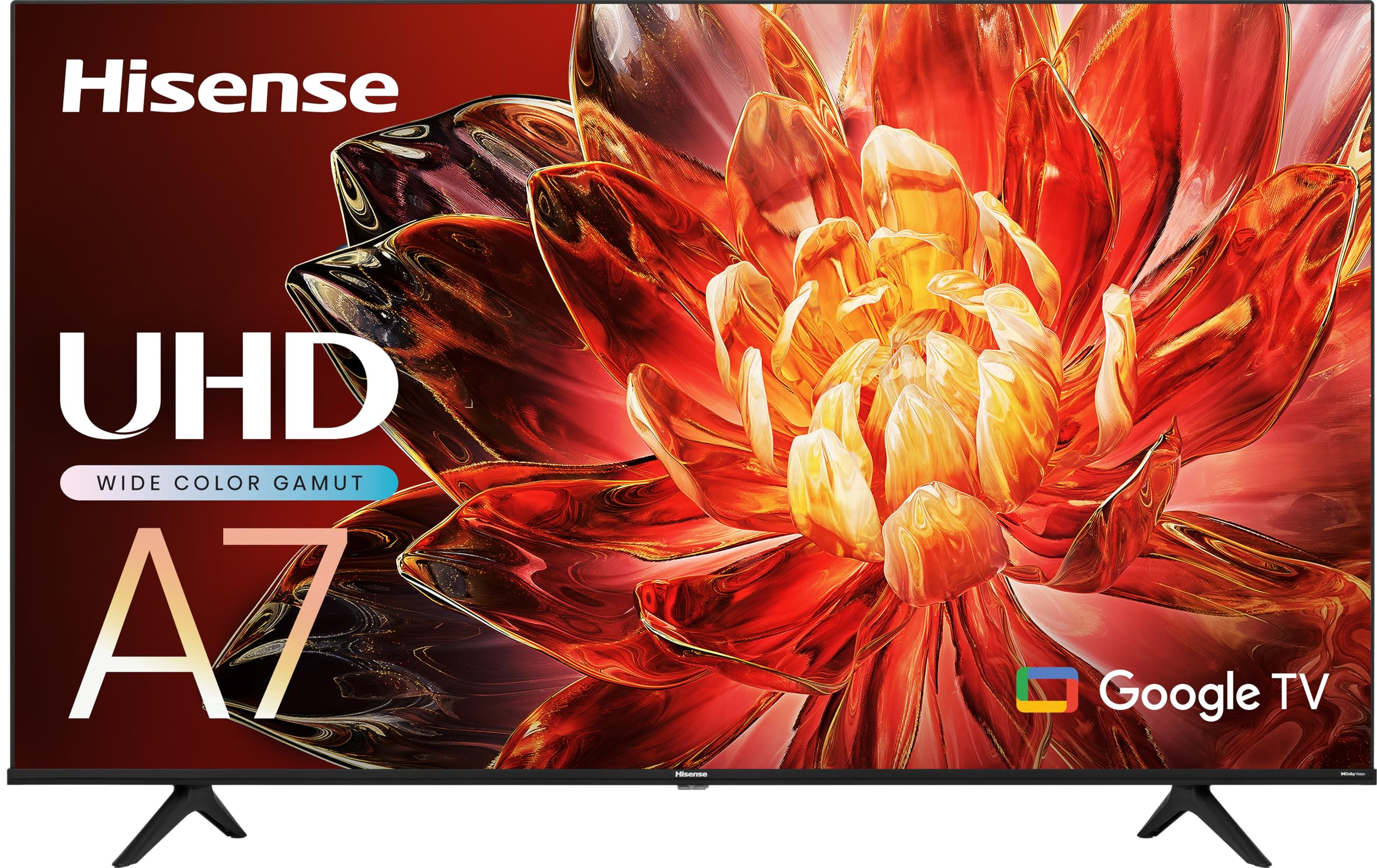
The Hisense A7 Series brings Wide Color Gamut technology through special phosphors that expand the color spectrum beyond standard LED. The 4K AI Upscaler cleans up lower-resolution sources. Game Mode Plus combines VRR and ALLM to deliver a console-friendly experience. The Google TV platform offers a unified home screen with personalized recommendations based on viewing habits. DTS Virtual:X simulates surround sound from the built-in speakers, providing a wider soundstage than typical stereo setups.
The set is easy to set up with the included voice remote, and the Google Play Store gives full access to apps. The 43-inch size is practical for a bedroom or medium-sized office. The connection options are solid, with HDMI 2.1 providing 4K 60Hz gaming capability. The build quality feels solid despite the budget positioning.
The panel is a 60Hz variant, so it does not support 120Hz native. The Google TV OS has been noted for occasional lag, especially after waking from standby. The audio is thin for its size, almost requiring a soundbar for any immersive content. For a cost-effective 4K TV with gaming-friendly features for non-competitive play, it serves well.
Why it’s great
- Expanded color gamut phosphor tech
- DTS Virtual:X widens audio
- Google TV with Google Voice
Good to know
- Only 60Hz native panel
- Smart OS can lag
- Internal speakers lack depth
9. VIZIO 43-inch V-Series V435M-K04

The VIZIO V-Series is a budget champion that includes HDMI 2.1 AMD FreeSync for tear-free gaming, and it supports Dolby Vision HDR. The IQ Active Processor manages content optimization, and the Full Array LED Backlight provides uniform screen brightness. WiFi 6E is included, making wireless streaming more stable than older WiFi 5 sets. WatchFree+ offers over 250 free channels, reducing the need for a separate streaming service. The Bluetooth headphone capability is a nice feature for late-night gaming sessions without disturbing others.
The 4K picture quality is serviceable with good color accuracy after calibration. The sound is above average for the price bracket. The VIZIO App Catalog automatically adds and updates apps without manual downloads. The remote control is straightforward. The panel is a 60Hz variant, but the inclusion of FreeSync provides a smoother motion than a standard 60Hz screen.
The biggest issue reported is the lack of an Ethernet port, making WiFi the only network option. Some users also note that the TV defaults to the streaming menu instead of the last antenna input, requiring extra button presses to access live TV. The processor speed is adequate but not snappy during app loading. For a secondary TV or first apartment, this is a strong value play.
Why it’s great
- AMD FreeSync for smooth gaming
- WiFi 6E for modern networks
- Dolby Vision HDR support
Good to know
- No Ethernet port
- Smart TV interface is clunky for live TV
- Only 60Hz panel
10. LG 43 Inch Class UQ7070 ZUD

The LG UQ7070 is a straightforward 4K UHD Smart TV running webOS 22, providing a clean and responsive interface. The LG platform is known for its reliability and ease of use. The 43-inch size is a standard fit for bedrooms or smaller living spaces. The TV is lightweight at 19.6 pounds, making it easy to wall-mount. The AES technology provides solid color reproduction for the price point.
The sound quality from the built-in speakers is surprisingly good for the budget tier. The remote is simple, but the mouse-pointer style cursor can be polarizing—some find it intuitive, others frustrating. The HDMI ports support 4K input but are not full-fledged HDMI 2.1 for high-refresh gaming. This is more of a casual media consumption TV than a gaming monitor.
The main drawback is the remote, which several users describe as the worst part of the experience due to its pointer-based navigation. The panel has a 60Hz refresh rate and lacks VRR support. For basic Roku-like streaming needs without gaming aspirations, this is a fine, if unexciting, option.
Why it’s great
- Reliable webOS 22 interface
- Good sound quality for budget set
- Lightweight and easy to mount
Good to know
- Not true HDMI 2.1 for gaming
- Remote pointer navigation frustrates
- Basic 60Hz panel with no VRR
11. iFFALCON 55″ MiniLED (55U85)
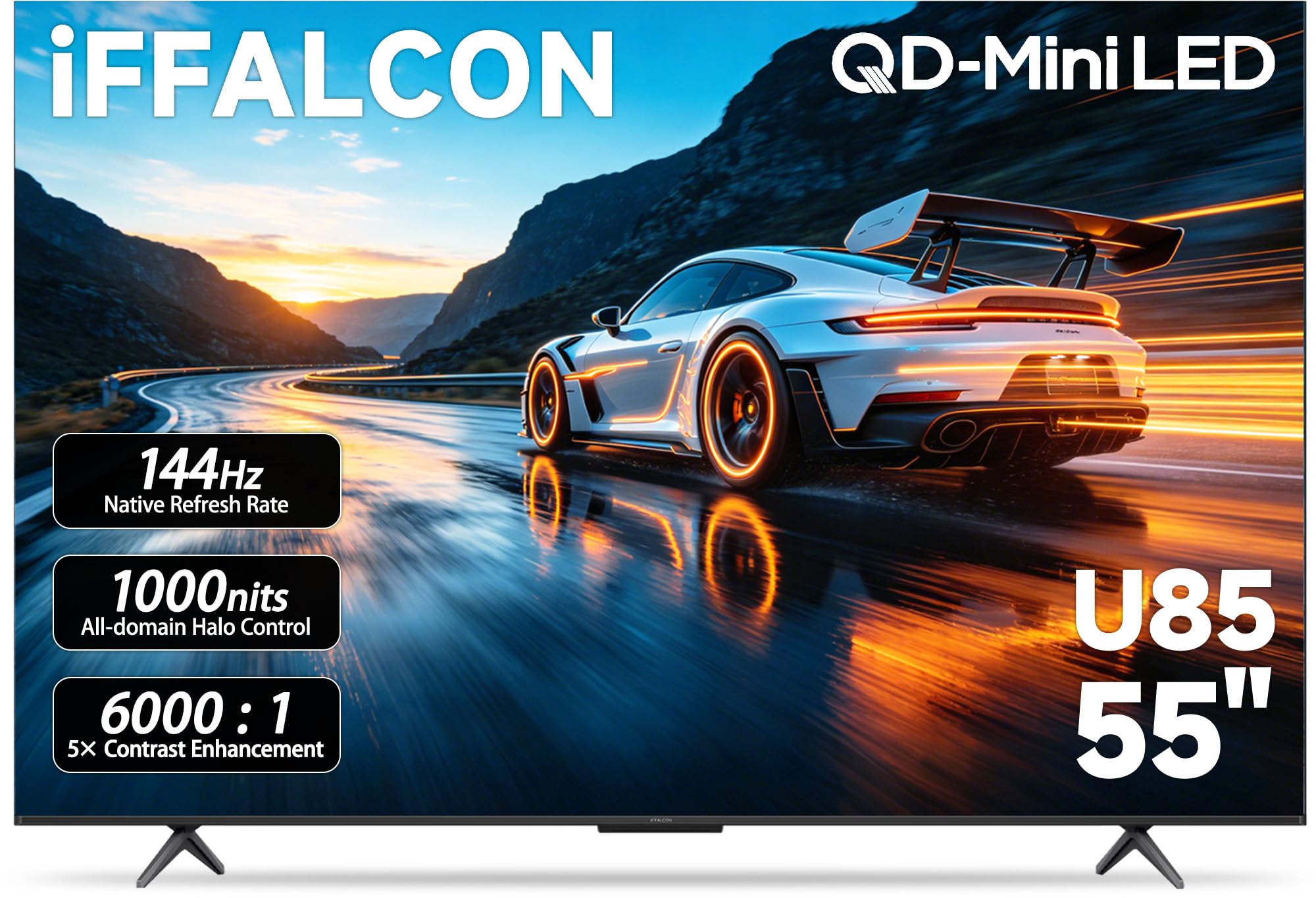
The iFFALCON 55U85 is the only set on this list with four HDMI 2.1 ports—two running at 4K 144Hz and two at 4K 60Hz—making it a true multi-console hub. The Mini-LED panel with local dimming and a 6000:1 contrast ratio delivers deep blacks and bright HDR highlights. It supports Dolby Vision Gaming, HDR10+, and IMAX Enhanced, so every HDR format is covered. The 144Hz native panel with FreeSync Premium Pro and VRR up to 240Hz makes this a serious gaming performer.
The built-in 50W 2.1-channel audio system with Dolby Atmos and DTS Virtual:X offers substantial sound without a soundbar. The Google TV interface is fast and clean. For commercial use, it includes hotel mode and IP control. The peak brightness hits around 1000 nits, which is excellent for Mini-LED at this price point. The build quality feels industrial and sturdy.
The main drawback is size—this is 55 inches, not 43, so it takes significant desk space. The ultra-slim bezel is nice, but the TV is thicker than flagship models. Some users note the smart interface is very smooth when new. For a home theater or dedicated gaming room, the iFFALCON is the most future-proofed set in this list for multi-device households.
Why it’s great
- Four HDMI 2.1 ports for multiple consoles
- 144Hz native with FreeSync Premium Pro
- High contrast Mini-LED with local dimming
Good to know
- 55-inch size, not 43-inch
- Thicker profile than OLED alternatives
- Brand visibility less known
FAQ
Is HDMI 2.1 required for 4K 120Hz gaming?
What is the difference between a 60Hz and 120Hz panel for a 43-inch TV?
Final Thoughts: The Verdict
For most users, the best 43 inch tv with hdmi 2.1 winner is the Sony BRAVIA 3 II because it perfectly balances Sony’s superior XR processing and PS5 integration with a native 120Hz VRR panel at a price that undercuts OLED competition. If you want infinite contrast and deep blacks on a desk, grab the Samsung S90F OLED. And for a budget-friendly high-refresh option, nothing beats the TCL 43P7K QLED.