
A 24-inch 120Hz monitor hits a specific sweet spot: compact enough for a dual-screen setup yet large enough for immersive gaming on a desk. The high refresh rate eliminates motion blur, while the 24-inch form factor keeps pixel density at 1080p sharp without scaling headaches. But the market is flooded with options that claim 120Hz support but skimp on panel quality, color accuracy, or connectivity.
I’m Min — the co-founder and writer behind Gadgets Feed. I’ve spent weeks analyzing response time specs, adaptive sync compatibility, and color gamut coverage across dozens of models to identify which displays actually deliver smooth motion without sacrificing visual clarity.
After cross-referencing technical data sheets, verified customer feedback, and real-world use cases, this guide isolates the monitors that genuinely excel as a 24 inch 120hz monitor for both competitive gaming and productivity.
How To Choose The Best 24 Inch 120Hz Monitor
Choosing a 24-inch 120Hz monitor requires balancing panel technology, adaptive sync support, and port availability. Many monitors advertise 120Hz but only support it over one port type or at reduced color depth. Here are the key decision points.
Panel Type: IPS vs VA vs TN
At the 24-inch 1080p size, IPS panels dominate because they offer wider viewing angles (178 degrees) and better color accuracy than TN panels, while avoiding the slower black transitions of VA panels. An IPS 120Hz monitor ensures that fast-moving objects stay clear from any seating angle, which is critical for shared desks or ergonomic arm setups.
Adaptive Sync Compatibility
FreeSync and G-Sync Compatible eliminate screen tearing by matching the monitor’s refresh rate to your GPU’s frame output. Verify that the monitor’s 120Hz mode works with your specific graphics card — some budget models only enable adaptive sync within a narrow 48-120Hz range, which can cause flicker at low frame rates.
Connectivity and Port Bandwidth
Not all HDMI and DisplayPort versions support 1080p at 120Hz. HDMI 1.4 can handle 1080p at 120Hz, but HDMI 2.0 guarantees it without chroma subsampling. DisplayPort 1.2 is preferred for the widest adaptive sync range. Check whether the monitor includes a VGA port if connecting older hardware.
Ergonomics and Adjustability
A 24-inch 120Hz monitor without height adjustment forces you to add risers or a VESA arm. For daily use, look for tilt plus height/swivel/pivot adjustability. Monitors with a slim bezel also improve multi-monitor alignment, reducing the gap between screens for a more seamless workflow.
Quick Comparison
On smaller screens, swipe sideways to see the full table.
| Model | Category | Best For | Key Spec | Amazon |
|---|---|---|---|---|
| LG 24G411A-B | Gaming | Overclockable 144Hz gaming | 144Hz O/C, 1ms MBR | Amazon |
| Dell S2425HSM | Multimedia | Work+play all-in-one | 144Hz, dual 3W speakers | Amazon |
| ASUS ProArt PA247CV | Creative | Color-critical editing | Delta E < 2, 100% sRGB | Amazon |
| UPERFECT 24″ QLED Touch | Portable | Touchscreen on-the-go | QLED, 400 nits, touch | Amazon |
| Dell S2725QS 4K | Productivity | 4K clarity at 120Hz | 4K UHD, 350 nits | Amazon |
| ViewSonic VA2456A-MHD_H2 | Dual-Screen | Dual-pack office setup | Dual pack, head-only | Amazon |
| Samsung S32GF | Everyday | Eye-care focused use | Eye Saver, Flicker Free | Amazon |
| Pixio PX246 Wave | Budget | Colorful budget gaming | 120Hz, 4ms GTG | Amazon |
| Acer KB242Y | Entry-Level | Basic 120Hz upgrade | 1ms VRB, 99% sRGB | Amazon |
In‑Depth Reviews
1. LG 24G411A-B

The LG 24G411A-B delivers a native 120Hz that overclocks to 144Hz, backed by 1ms Motion Blur Reduction for competitive-grade fluidity. The IPS panel covers 99% sRGB and supports HDR10, giving vibrant color that exceeds typical budget gaming monitors. NVIDIA G-Sync Compatible and AMD FreeSync work together to eliminate tearing across both GPU ecosystems.
Dynamic Action Sync reduces input lag for faster reactions, while Black Stabilizer lifts shadows in dark game scenes. The slim stand with tilt adjustment keeps the footprint small, and the ultra-thin bezels make this a strong candidate for multi-monitor setups. The included HDMI cable supports full-bandwidth 120Hz out of the box.
Customer feedback highlights smooth PS5 performance and dual-screen productivity, though the stock stand’s stability receives mixed notes — some users found it slightly wobbly on uneven surfaces. For the feature set at this price tier, the LG UltraGear is the most complete package for a 24-inch 120Hz monitor.
Why it’s great
- Overclocks to native-feeling 144Hz from 120Hz base
- Dual adaptive sync (FreeSync + G-Sync Compatible)
- Black Stabilizer and Crosshair tools for FPS gaming
Good to know
- Stand can feel unstable at full tilt
- Brightness caps at 250 nits, limiting HDR impact
2. ASUS ProArt Display PA247CV

The ASUS ProArt PA247CV trades raw gaming features for color accuracy that demands a premium. It ships factory-calibrated with a Delta E value under 2, covering 100% sRGB and 100% Rec. 709 gamuts. USB-C with 65W Power Delivery powers a laptop while sending video signal — a single-cable solution for MacBook and ultrabook users.
The 24-inch IPS panel at 75Hz (not 120Hz) means this is not a gaming-first monitor, but the Calman Verified certification makes it the choice for photographers, video editors, and designers who need reliable color without a second calibration device. The built-in USB 3.1 hub connects peripherals directly, and the 5-year warranty with online registration provides long-term peace of mind.
Users consistently praise the included cables (USB-C, HDMI, DisplayPort) and the quick-release stand. Some note the lack of included calibration software, requiring third-party tools like Spyder for advanced profiling. For creative professionals who occasionally game, the 75Hz refresh is adequate, but competitive players should look elsewhere.
Why it’s great
- Factory Delta E < 2 color accuracy right out of the box
- USB-C with 65W power delivery for clean laptop setup
- Full ergonomic stand with height, tilt, swivel, pivot
Good to know
- Maximum refresh rate is 75Hz, not 120Hz
- No calibration software is bundled with the monitor
3. Dell 24 Plus Monitor S2425HSM

The Dell S2425HSM combines a 144Hz refresh rate (capped at 120Hz via some HDMI cables) with dual 3W speakers that deliver noticeably fuller audio than typical monitor buzzers. The 1500:1 contrast ratio adds depth to dark scenes, and the 99% sRGB coverage ensures accurate colors for mixed productivity and entertainment use.
Full ergonomic adjustability — height, tilt, swivel, and pivot — sets this apart from cheaper 24-inch monitors. The ash white finish and ultra-thin bezels fit modern office aesthetics, while the 4-star TÜV-certified ComfortView reduces blue light without shifting colors to a warm tint. AMD FreeSync handles tear-free gaming up to the 144Hz ceiling.
Users highlight the easy assembly and stable stand, though some wish for an additional DisplayPort or USB hub. The built-in speakers are a genuine plus for desk setups without external audio. It is the best all-rounder for someone who splits time between work spreadsheets and casual gaming.
Why it’s great
- Full ergonomic stand (height, pivot, swivel) for all-day comfort
- Dual 3W speakers beat most monitor audio
- 144Hz at 1ms MPRT for smooth gaming transitions
Good to know
- Only one HDMI input limits multi-device setups
- No included DisplayPort cable in the box
4. UPERFECT 24″ 120Hz QLED Portable Touchscreen
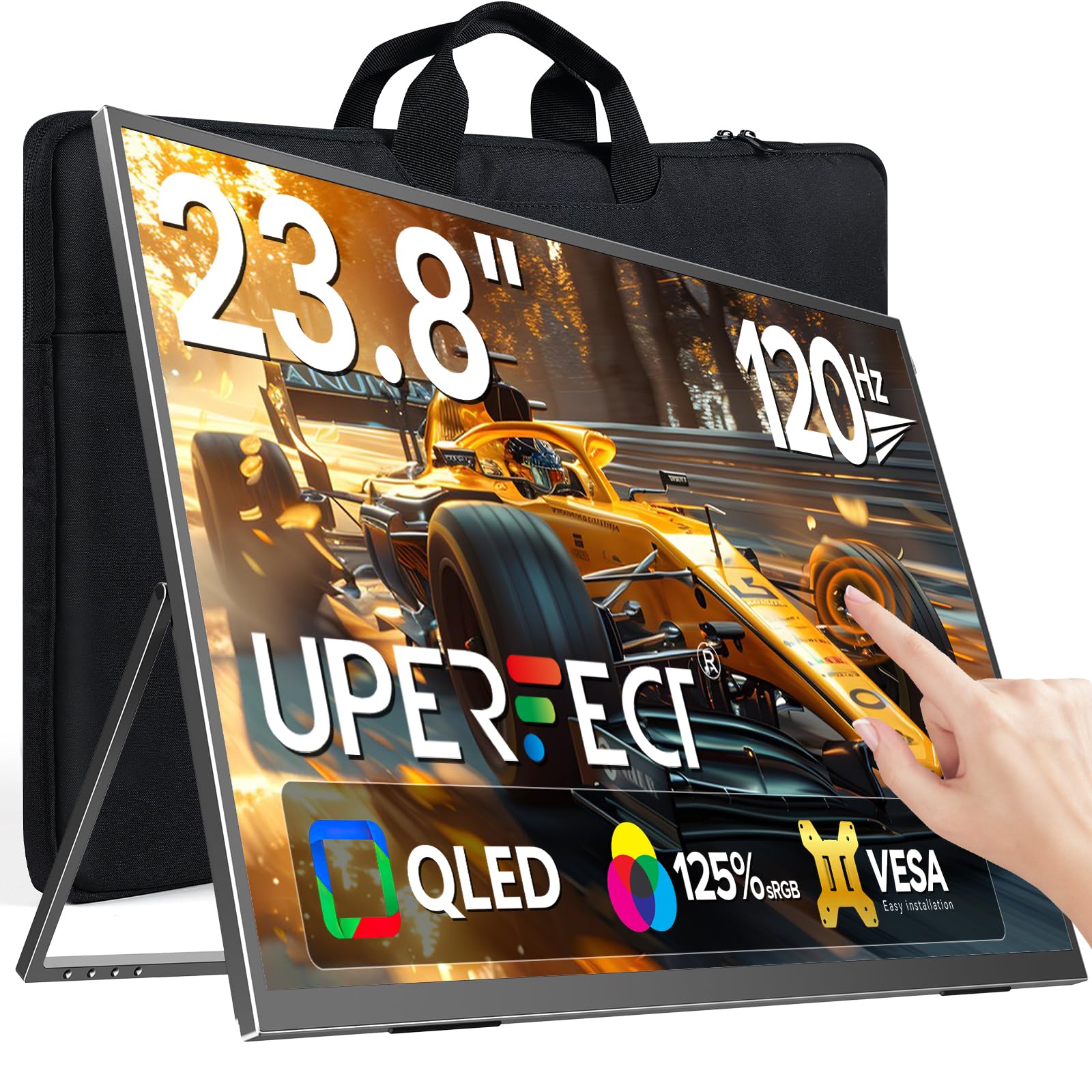
The UPERFECT 24-inch QLED portable monitor breaks the desktop mold by adding multi-touch support and a built-in stand at 5.37 pounds. The QLED panel covers 125% sRGB with a 2000:1 contrast ratio, producing deeper blacks than standard IPS monitors. The 120Hz refresh rate works over both HDMI and USB-C, making it viable for gaming laptops and handheld consoles like the ASUS ROG Ally.
Brightness reaches 400 nits, allowing use in brighter environments without washing out colors. The touchscreen supports 10-point touch, which is particularly useful for creative workflows and mobile device mirroring. A 2-year replacement warranty backs the purchase, and the package includes a PD power adapter, HDMI cable, and USB-C cable.
Some users report that FreeSync does not function consistently and that the built-in speakers are underwhelming. The glossy screen limits outdoor usability. For travelers or minimalists who need a single 24-inch 120Hz display that doubles as a touch input device, this is a uniquely capable option.
Why it’s great
- QLED panel with 125% sRGB and 2000:1 contrast
- 10-point multi-touch with included stand
- Portable 5.37 lb design with USB-C and HDMI inputs
Good to know
- FreeSync implementation may not work as advertised
- Glossy finish reflects ambient light in bright rooms
5. Dell 27 Plus 4K Monitor S2725QS

The Dell S2725QS is a 27-inch 4K monitor running at a full 120Hz, offering four times the pixel density of 1080p models. The 1500:1 contrast ratio and 350-nit brightness deliver HDR-ready clarity for photo editing, while the IPS panel maintains wide viewing angles. AMD FreeSync Premium supports tear-free motion at high frame rates.
Re-engineered dual speakers provide more volume and deeper frequency response than previous Dell generations, and the ash white finish with ultra-thin bezels makes it a centerpiece monitor. The ergonomic stand supports height, pivot, swivel, and tilt adjustments. ComfortView Plus reduces blue light emissions to 35% without shifting color temperature.
User reviews praise the crisp text and smooth motion for productivity, though some competitive gamers note minor ghosting in fast-twitch scenarios. The 27-inch size may require more desk depth than a true 24-inch monitor. For users who want 4K clarity at 120Hz on a premium build, this Dell delivers.
Why it’s great
- Native 4K (3840×2160) at 120Hz for sharp motion
- FreeSync Premium with 0.03ms response time
- Full ergonomic stand with ComfortView Plus
Good to know
- 27-inch size is larger than 24-inch category focus
- Slight matte grain may be visible on white backgrounds
6. ViewSonic VA2456A-MHD_H2 Dual Pack

The ViewSonic VA2456A-MHD_H2 ships as a dual pack of head-only monitors (no stands included) designed for VESA arm or multi-monitor mounting. Each 24-inch IPS panel runs at 120Hz with a 1500:1 contrast ratio, covering 80% color gamut. Inputs include HDMI, DisplayPort, and VGA for broad compatibility.
SuperClear IPS technology maintains color consistency from off-angles, and the thin bezels minimize the gap between paired screens. Flicker-Free and Blue Light Filter features reduce eye strain during long work sessions. The included HDMI cable supports 120Hz, and the head-only design keeps the desk footprint small.
Users love the brightness — some had to reduce it below 50% — and the easy VESA setup. The lack of included stands means you must supply your own mounting solution or purchase separately. This is the ideal choice for building a symmetrical dual 24-inch 120Hz workstation without paying for duplicate stands you won’t use.
Why it’s great
- Dual monitors in one box for instant multi-screen setup
- Head-only design reduces cost if using VESA arms
- HDMI, DisplayPort, and VGA ports cover legacy devices
Good to know
- No monitor stands are included
- Color gamut (80%) is narrower than premium IPS panels
7. Samsung 24″ S3 (S32GF) FHD 120Hz
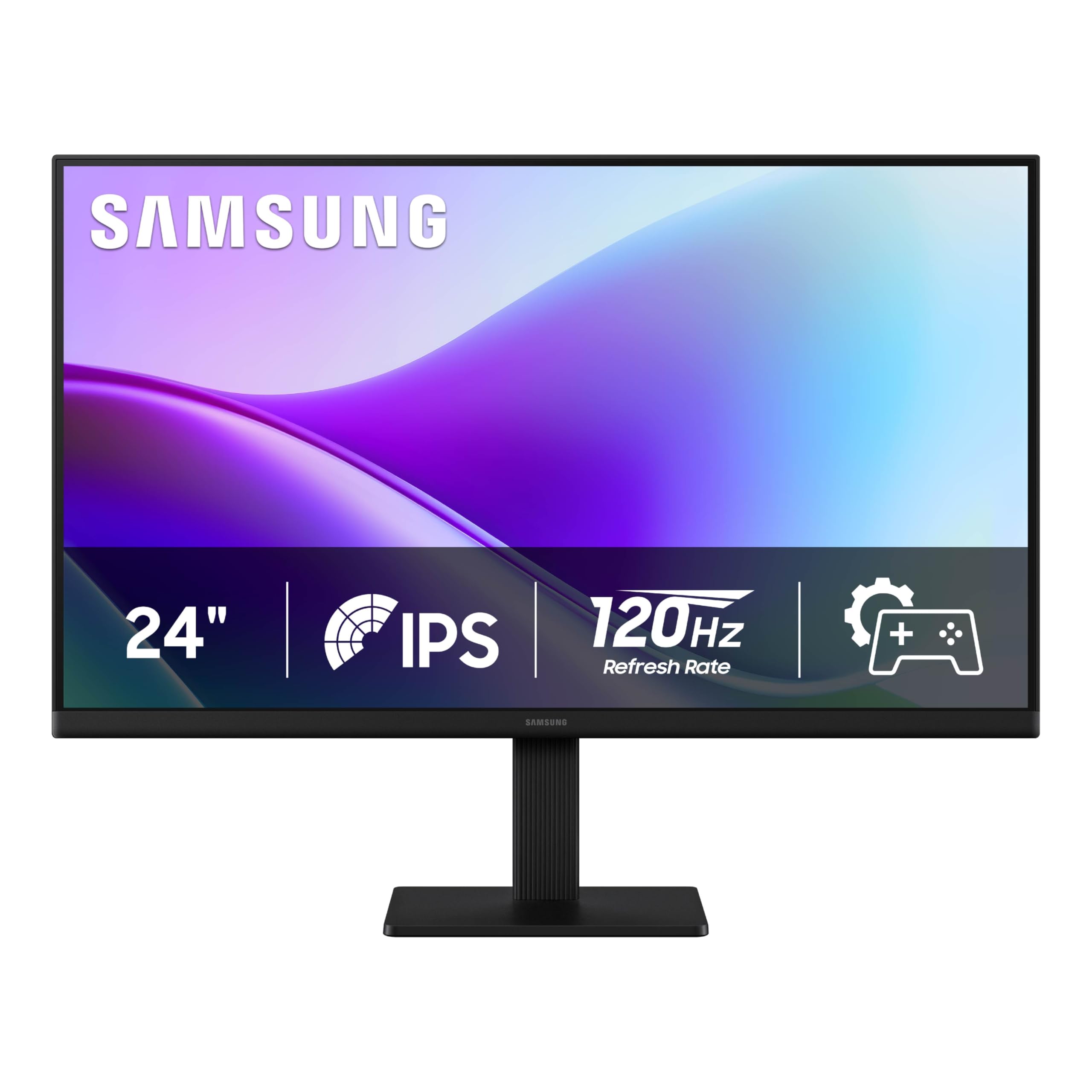
The Samsung S32GF is a 24-inch 120Hz IPS monitor that emphasizes visual comfort alongside smooth motion. Eye Saver Mode and Flicker-Free technology reduce blue light emissions and eliminate PWM flicker, making extended use easier on the eyes. Game Picture Mode adjusts color and contrast per genre for instant optimization.
The super-slim bezel and lightweight design (only a few pounds) make it easy to mount or move. Connectivity is limited to HDMI — no DisplayPort — which may affect compatibility with some GPU configurations at 120Hz. FreeSync and G-Sync Compatible support is included for adaptive sync.
Customers appreciate the easy color adjustment and eye-saver features for work-from-home setups. The lack of USB ports and height adjustment are limitations for power users. For a pure desktop monitor that prioritizes eye comfort at a 120Hz refresh rate, the Samsung S32GF is a solid choice.
Why it’s great
- Eye Saver Mode and Flicker Free for long work sessions
- Game Picture Mode with genre-specific presets
- Ultra-thin bezel for minimal desk footprint
Good to know
- Only HDMI input limits multi-device connection options
- Stand lacks height adjustment and pivot
8. Pixio PX246 Wave Purple
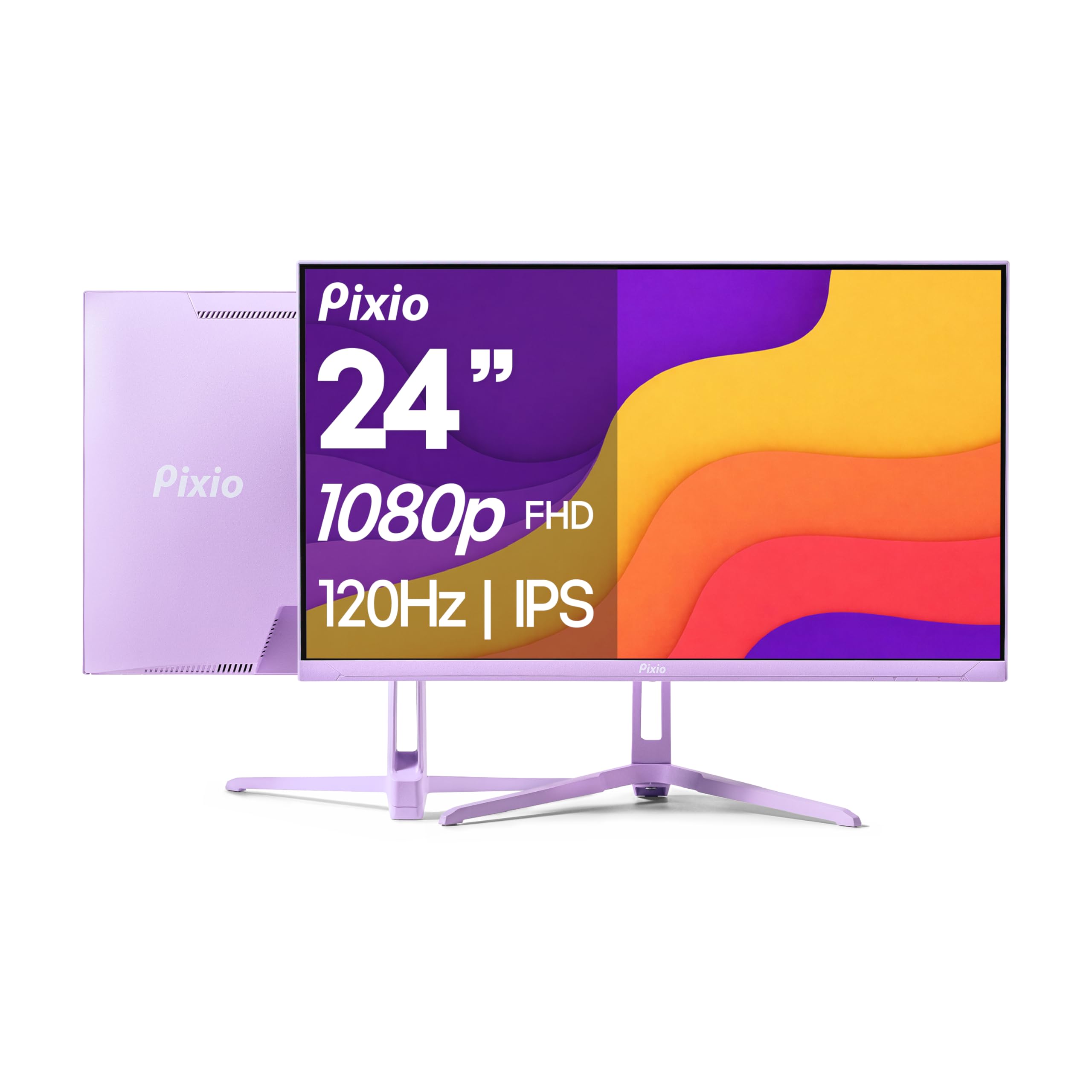
The Pixio PX246 Wave Purple delivers a genuine 120Hz IPS panel at a budget-friendly price point, with a 4ms GTG response time that keeps ghosting minimal. The 300-nit brightness ensures visibility in well-lit rooms, and the 1000:1 contrast ratio provides adequate depth for gaming and streaming. Adaptive Sync via FreeSync reduces tearing.
The purple backlit design and slim profile distinguish it from the typical black-only monitor market. Port options include HDMI 2.0 (supports 1080p@120Hz) and VGA for older hardware. Built-in speakers are included, though their audio quality is baseline — fine for system sounds, not primary listening.
User feedback highlights the rich color reproduction and easy setup, while noting that the stand lacks height and rotation adjustment. The 4ms GTG is slightly slower than the 1ms competitors, but for casual and student gamers who prioritize color and cost under , the Pixio is a strong entry point into 120Hz.
Why it’s great
- 120Hz IPS at a very accessible price point
- Distinctive purple aesthetic for themed setups
- 300 nits brightness for better room lighting tolerance
Good to know
- Stand only tilts — no height adjustment or pivot
- 4ms GTG response is slower than 1ms alternatives
9. Acer KB242Y

The Acer KB242Y brings 120Hz and a 1ms Visual Response Boost to a zero-frame 23.8-inch IPS panel at a cost that makes the jump from 60Hz nearly painless. sRGB 99% coverage and a 1000:1 contrast ratio produce accurate colors out of the box. Adaptive-Sync (FreeSync Compatible) matches the monitor refresh to GPU output for tear-free gameplay.
Inputs include HDMI and VGA, which provides backward compatibility but no DisplayPort. The tilt-only stand and 250-nit brightness are basic, but the zero-frame design maximizes screen real estate. Brightness of 250 nits is adequate for indoor use, though HDR content will not pop.
Customers praise the KB242Y as a reliable secondary monitor with crisp text and easy setup. The absence of built-in speakers and limited ergonomics keep it from being a primary gaming monitor, but for the price, the 120Hz refresh and 1ms VRB make it one of the cheapest ways to experience fluid desktop motion.
Why it’s great
- 120Hz at 1ms VRB for under the entry-level threshold
- 99% sRGB with IPS viewing angles
- Zero-frame bezel for compact multi-monitor alignment
Good to know
- No built-in speakers or DisplayPort input
- Stand offers tilt only, no height adjustment
FAQ
Can a 24 inch 120Hz monitor run 120Hz over HDMI?
Is 120Hz better than 144Hz for a 24 inch monitor?
Do I need a special cable for 120Hz at 1080p?
Will a 24 inch 120Hz monitor work with my PS5 or Xbox Series X?
Final Thoughts: The Verdict
For most users, the 24 inch 120hz monitor winner is the LG 24G411A-B because it combines a native 120Hz (overclockable to 144Hz) IPS panel with both FreeSync and G-Sync Compatible support at a mid-range price. If you need color-accurate visuals for creative work, grab the ASUS ProArt PA247CV with factory Delta E calibration. And for a dual-screen office setup without paying for duplicate stands, nothing beats the ViewSonic VA2456A-MHD_H2 Dual Pack.