
The jump from 1080p to 2560×1440 on a 24-inch frame is the single most noticeable upgrade you can make to your desktop clarity — text sharpens, game worlds reveal finer detail, and you gain usable screen real estate without feeling like you’re peering into a cinema screen from across the room. A 24-inch 2K monitor delivers a pixel density (roughly 123 PPI) that sits in a perfect sweet spot: dense enough to eliminate the visible grid of pixels, yet not so tight that you need scaling or squint to read system fonts.
I’m Min — the co-founder and writer behind Gadgets Feed. After hours of cross-referencing panel types, refresh rate capabilities, color gamut coverage, connectivity tiers, and build quality across dozens of listings, this guide distills the options down to the nine that genuinely matter for a focused 24-inch 2K setup.
Whether you’re optimizing for esports response times, color-accurate creative work, or a clean productivity hub with USB-C charging, the right choice comes down to matching the panel’s strengths to your daily usage. This guide breaks down the best 24 inch 2k monitor options across performance, connectivity, and value tiers so you can buy with confidence.
How To Choose The Best 24 Inch 2K Monitor
A 24-inch 2K monitor isn’t just a smaller 27-inch screen — the tighter pixel density changes what you prioritize. Refresh rate matters more if you play competitive shooters, while color accuracy and connectivity dominate for professional use. Here’s what to check before you click buy.
Panel Technology: Fast IPS vs. Standard IPS vs. Mini-LED
Standard IPS panels offer dependable 178-degree viewing angles and decent color, but they max out around 4ms response and moderate contrast. Fast IPS panels cut response time down to 1ms GTG, making them the go-to for high-refresh gaming without sacrificing off-angle color. Mini-LED backlighting (seen on the INNOCN 25M2S) takes contrast further by dimming zones individually, producing deeper blacks and real HDR brightness peaks over 1000 nits, though it introduces the possibility of blooming around bright objects on dark backgrounds.
Refresh Rate and Adaptive Sync
Sixty-hertz is dead for this category — entry-level offerings start at 75Hz and climb rapidly to 180Hz, 240Hz, and even 300Hz on panels like the SANSUI ES-G25F6Q Pro. For general productivity, 75–100Hz is smooth enough for cursor movement and scrolling. For competitive gaming, 144Hz is the baseline, 180Hz provides a noticeable edge in fast target tracking, and 240Hz+ begins to deliver diminishing returns that only high-skill players fully exploit. G-Sync Compatible and FreeSync support ensure tearing stays zero regardless of your GPU brand.
Connectivity: USB-C with Power Delivery
If you use a modern laptop as your primary machine, a 24-inch 2K monitor with a USB-C port that delivers 60W–90W charging eliminates the need for a separate power brick. The Lenovo Q24h-10 pumps 80W, while the Samsung ViewFinity S6 offers 90W plus a built-in LAN port — both turn the monitor into a true desktop docking station. For pure gaming rigs, dual HDMI 2.1 and DP 1.4 ports are more critical for hitting max refresh rates at full 10-bit color depth.
Quick Comparison
On smaller screens, swipe sideways to see the full table.
| Model | Category | Best For | Key Spec | Amazon |
|---|---|---|---|---|
| KTC H24T7 | Gaming | High-refresh 1440p on a budget | 185Hz / 1ms / Fast IPS | Amazon |
| SANSUI ES-G25F6Q Pro | Gaming | Ultra-high 300Hz esports performance | 300Hz / 1ms / Fast IPS | Amazon |
| Lenovo Q24h-10 | Productivity | USB-C hub with 80W charging | 75Hz / 4ms / 80W USB-C | Amazon |
| Pisichen Touchscreen 2K | Touchscreen | Interactive 10-point touch workflows | 144Hz / 2ms / 10-point touch | Amazon |
| Pisichen White Touchscreen | Touchscreen | White aesthetic + touch + 144Hz | 144Hz / 2ms / 10-point touch | Amazon |
| INNOCN 25M2S | Premium Gaming | Mini-LED HDR + 240Hz gaming | 240Hz / 0.5ms / Mini-LED 1000nit | Amazon |
| ViewSonic VG2455-2K | Productivity | Ergonomic office monitor with 60W USB-C | 100Hz / 4ms / 60W USB-C | Amazon |
| BenQ RD240Q | Coding | 16:10 aspect ratio for code readability | 60Hz / 5ms / 16:10 1920×1200 | Amazon |
| Samsung ViewFinity S6 | Productivity | KVM + LAN + 90W USB-C dock | 100Hz / 5ms / 90W USB-C | Amazon |
In‑Depth Reviews
1. KTC 24 Inch Gaming Monitor QHD 180Hz H24T7
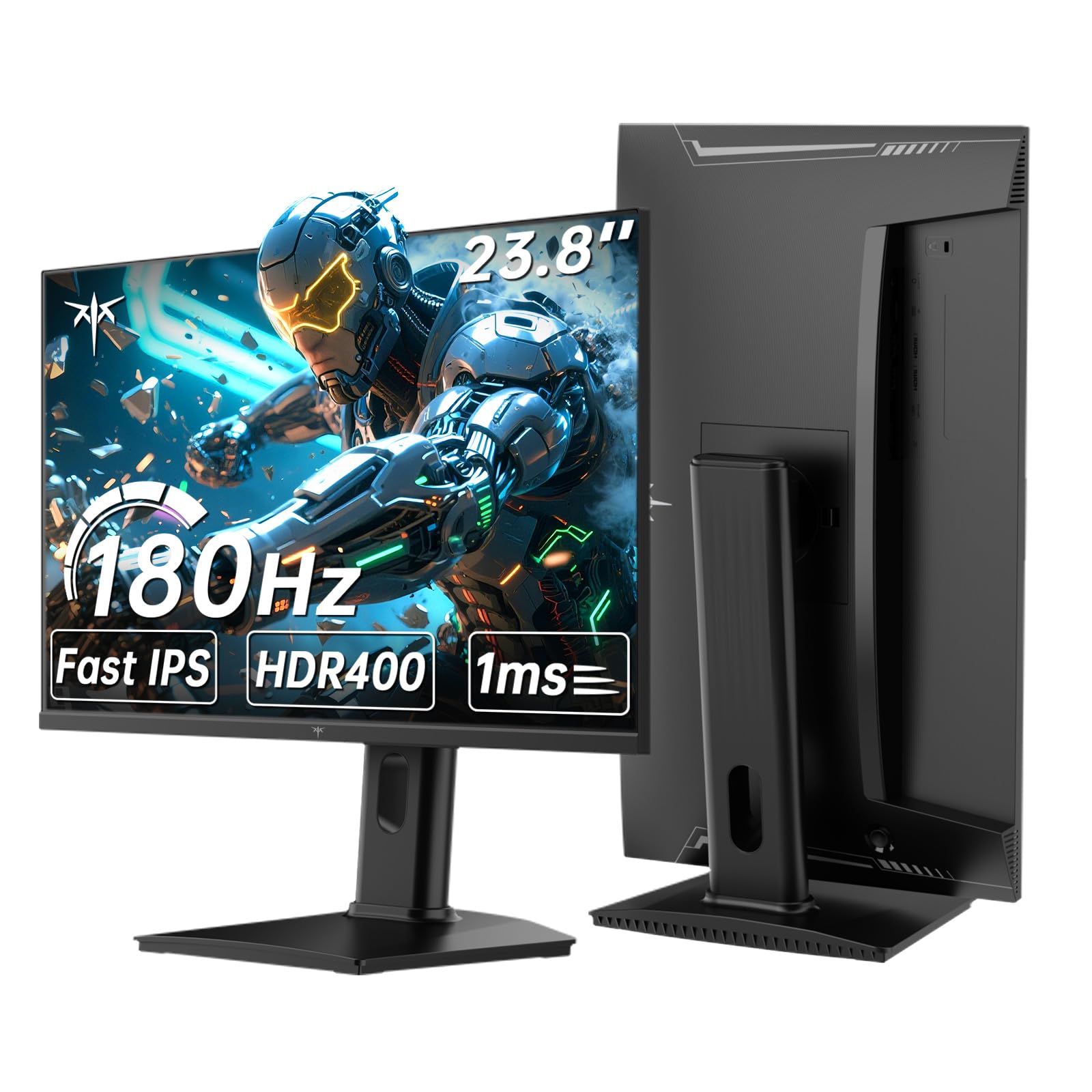
The KTC H24T7 packs a Fast IPS panel with a native 180Hz refresh rate that overclocks to 185Hz, paired with a 1ms response time and 400 cd/m² brightness — specs that normally cost significantly more in this size class. The 99% sRGB coverage and HDR400 certification ensure colors pop enough for immersive single-player titles, while the 110mm height-adjustable stand and 90-degree pivot make it genuinely usable for portrait coding or document work.
Input selection is straightforward with two HDMI ports and one DisplayPort, and Adaptive-Sync compatibility (FreeSync and G-Sync) keeps tearing out of the picture during fast team fights. Low Blue Light and flicker-free backlight operation help reduce fatigue during long sessions, and the 178-degree viewing angles mean the image doesn’t wash out when you lean back.
Where the H24T7 stumbles is quality assurance — customer reports cite dead pixels, power failures after a few months, and a support experience that leaves much to be desired for US buyers. The panel itself is excellent when it works, but the gamble on longevity and returns process is real. For users comfortable with a higher risk tolerance in exchange for top-tier performance at the entry-level price point, it’s a compelling bet.
Why it’s great
- 185Hz Fast IPS at one of the lowest price points in the 24-inch 2K category
- Full ergonomic stand with height, pivot, swivel, and tilt adjustments
- HDR400 and 400 cd/m² max brightness improve perceived contrast
Good to know
- Multiple customer reports of dead pixels and failure after 2-3 months
- US-based support is slow to non-existent per several verified reviews
- Some units arrive with screen impact damage despite intact packaging
2. SANSUI 24.5 Inch Gaming Monitor QHD 300Hz ES-G25F6Q Pro
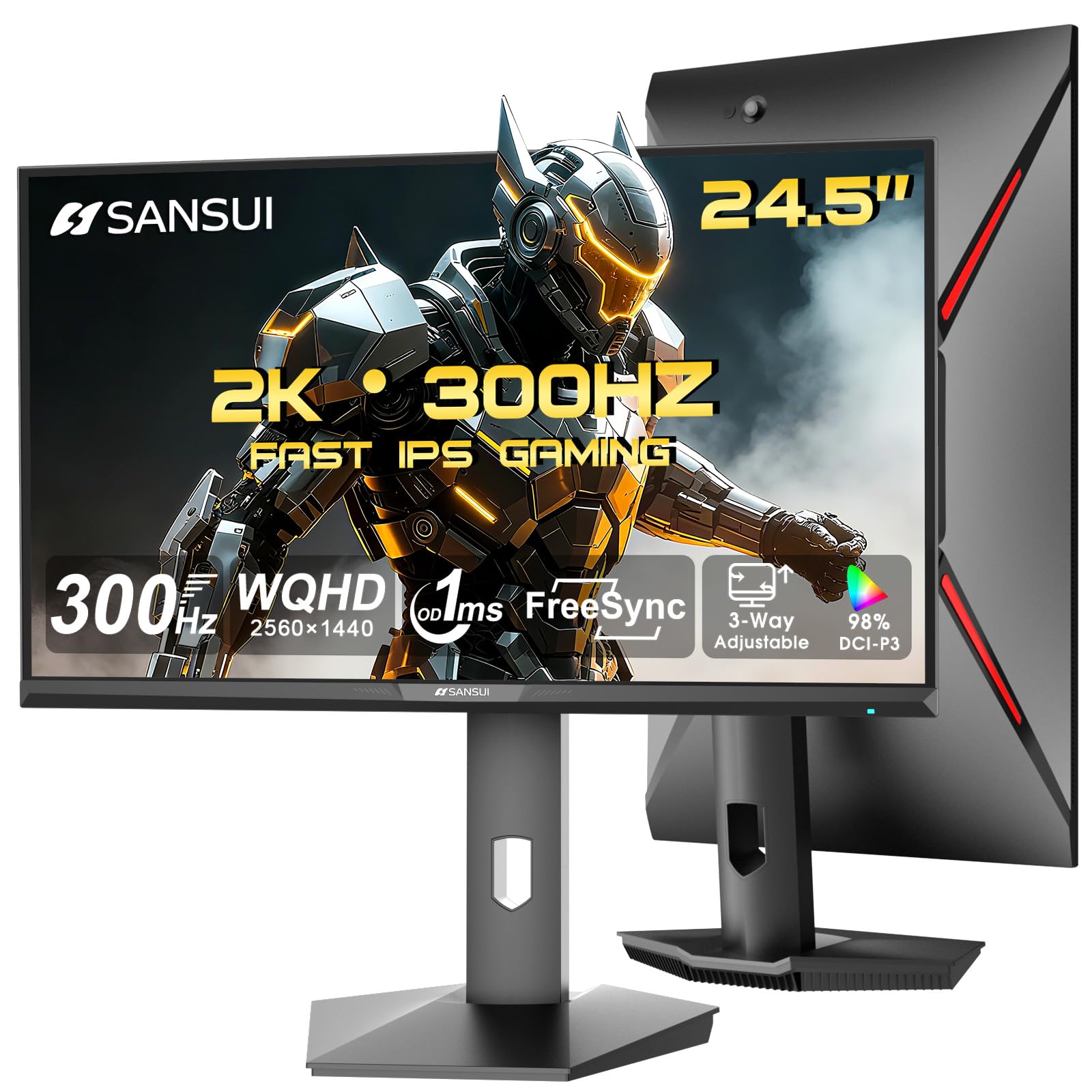
The SANSUI ES-G25F6Q Pro pushes the refresh ceiling to 300Hz over two HDMI 2.1 and two DP 1.4 ports, meaning both console and PC users can hit the full refresh rate without bottleneck. The 130% sRGB color gamut (relative to the sRGB standard) gives noticeably punchier reds and greens than typical 99% panels, and the 350-nit brightness is sufficient for well-lit rooms though it doesn’t match HDR-capable competitors.
Fast IPS technology delivers a 1ms MPRT response time that handles rapid crosshair movement with zero perceptible ghosting, and the FreeSync support keeps frames synchronized across variable frame rates. The stand offers pivot, swivel, height, and tilt adjustments — rare at this price tier — which makes dialing in the perfect viewing angle painless.
Build quality feels solid for the cost, and multiple verified buyers praise the color accuracy and responsiveness for the price. The main trade-offs are the lack of integrated speakers (you’ll need desk speakers or a headset), no USB-C connectivity for laptop users, and the slightly confusing refresh rate labeling where some units shipped as 200Hz were labeled 180Hz on the box. Overall, for pure high-refresh 1440p gaming at 24.5 inches, the ES-G25F6Q Pro is hard to beat on value.
Why it’s great
- 300Hz refresh rate via dual HDMI 2.1 and DP 1.4 ports works with PS5/Xbox and high-end GPUs
- Full ergonomic stand with height, swivel, pivot, and tilt
- 130% sRGB gamut delivers vivid oversaturated colors for gaming
Good to know
- No built-in speakers or USB-C connectivity
- Refresh rate labeling on box and OSD may differ from advertised spec
- Runs noticeably warm during extended high-refresh sessions
3. Lenovo Q24h-10 23.8-Inch QHD USB-C Monitor

The Lenovo Q24h-10 is built as a productivity hub first and a monitor second. Its single USB-C connection delivers up to 80W of power delivery to charge a laptop, carries 2560×1440 video signal, and passes data through the integrated USB hub — all through one cable. The 23.8-inch IPS panel hits 99% sRGB coverage with a 75Hz refresh rate and 4ms response time, which provides noticeably smoother cursor movement than a standard 60Hz office display.
AMD FreeSync support keeps scrolling and light gaming stutter-free, and the TÜV Rheinland Eye Comfort certification confirms the flicker-free backlight and low blue light modes genuinely reduce eye strain during eight-hour workdays. The thin 3-side NearEdgeless bezel makes it an excellent candidate for multi-monitor setups where bezel gap matters.
The built-in 3W speakers deliver basic desktop audio — fine for system sounds and conference calls, but not for music or immersive playback. The stand offers only tilt adjustment, so you’ll want a VESA arm if height and rotation are priorities. Despite the speaker weakness, verified buyers consistently highlight the sharp text clarity and single-cable convenience as transformative for laptop-based workflows, especially at this price point against competitors like Dell’s USB-C offerings.
Why it’s great
- 80W USB-C power delivery charges most ultrabooks over a single cable
- Anti-glare coating and TÜV Eye Comfort certification reduce fatigue
- High pixel density makes text exceptionally sharp and readable
Good to know
- 2W speakers are weak and lack bass response
- Stand only tilts — no height, swivel, or pivot adjustment
- VESA mount sits low, which can cause alignment issues on dual-arm setups
4. Pisichen 23.8-Inch 2K Touchscreen Monitor 144Hz
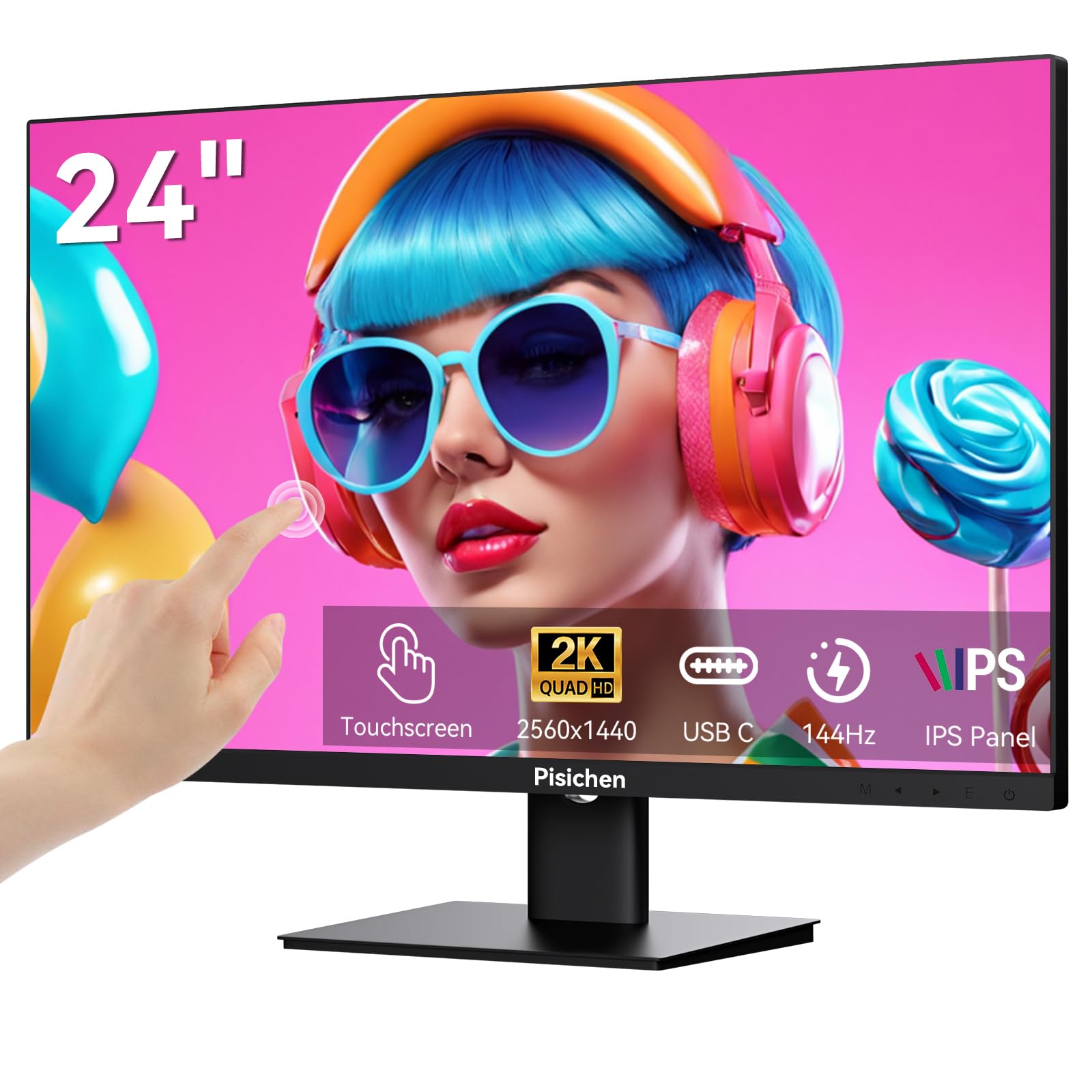
The Pisichen touchscreen monitor combines a 23.8-inch 2560×1440 IPS panel with 10-point capacitive touch recognition and a 144Hz refresh rate — a rare feature pairing that serves both interactive workflows and smooth gaming. The 400 cd/m² brightness and 3000:1 contrast ratio (advertised) help maintain clarity even in bright rooms, while the 1.07 billion color support ensures photo editing and media playback look accurate.
Connectivity includes USB-C (with DisplayPort Alt Mode and 65W power delivery), HDMI, and DisplayPort, allowing you to drive the touch input and video through a single USB-C cable on compatible Windows laptops. The frameless design maximizes screen real estate, and VESA 100x100mm compatibility means you can mount it on an arm for ergonomic positioning. The 2ms response time is more than adequate for the 144Hz refresh rate in most gaming scenarios.
The main concern is quality control — verified buyer reports mention dead pixels appearing center-screen, and the replacement process requires shipping the monitor back for inspection before a refund is issued, which can take nearly a month. When the unit arrives intact, the touch response is reported as snappy and the panel clarity excellent, but the inconsistency in quality inspection means this is a model best purchased from a retailer with a generous return policy.
Why it’s great
- 10-point capacitive touch works with Windows native plug-and-play drivers
- 144Hz refresh rate is unusually high for a touchscreen monitor
- USB-C supports video, data, touch, and laptop charging through one cable
Good to know
- Reports of dead pixels arriving on factory-fresh units
- Return and replacement process takes several weeks per customer accounts
- Touch only works natively on Windows — no macOS touch support
5. Pisichen 24 Inch 2K Touch Screen Monitor White 144Hz
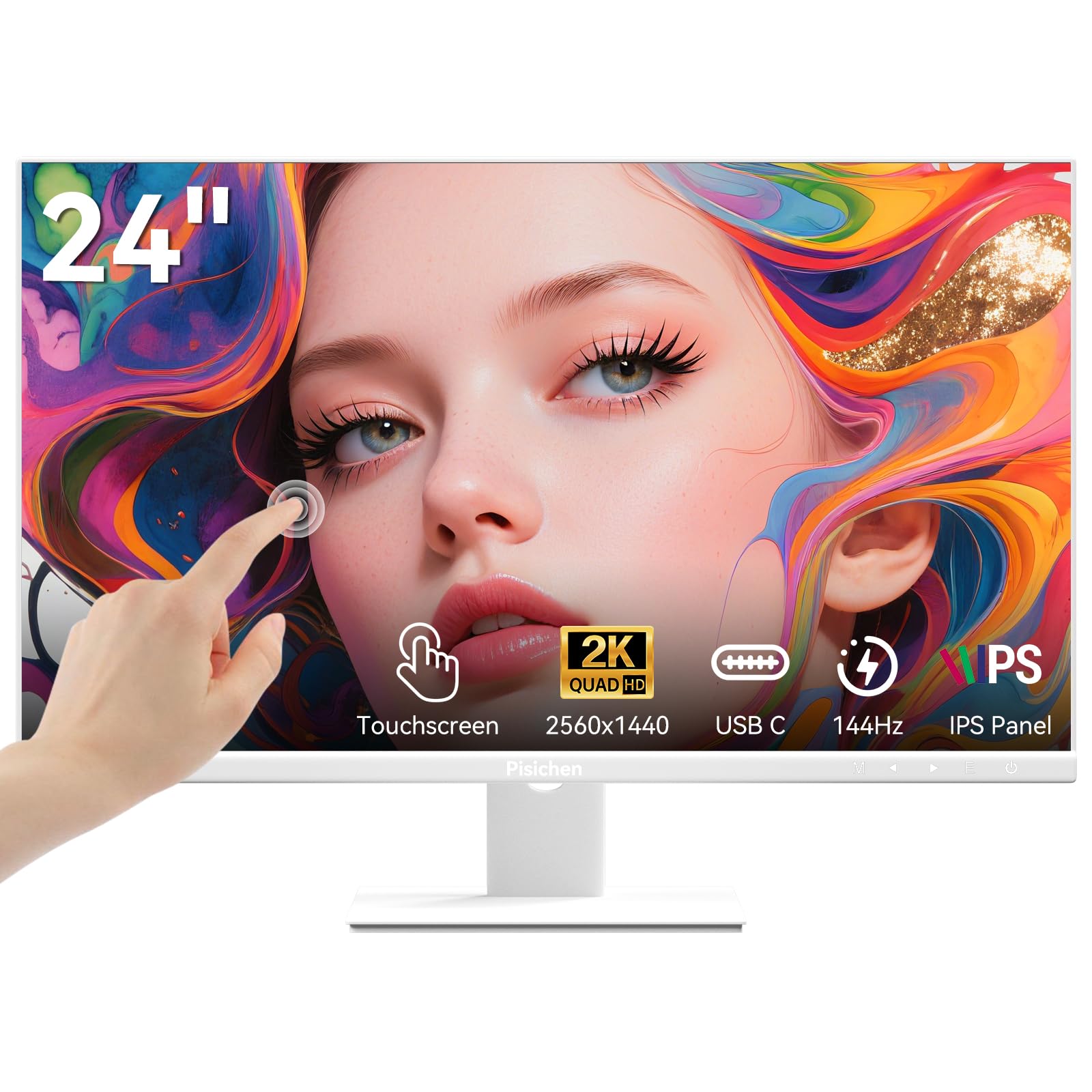
This white variant of the Pisichen touchscreen monitor carries identical core specs — 24-inch 2560×1440 IPS, 144Hz refresh, 10-point capacitive touch, USB-C with DP Alt Mode — but swaps the black chassis for a clean white finish that blends into minimalist or bright-themed setups. The 400 cd/m² brightness and 3000:1 contrast ratio (advertised) are the same panel backbone, delivering the same punchy visuals as the black version.
The frameless edge-to-edge design is particularly striking in white, and the VESA 100x100mm mount compatibility means you can swap out the stock stand for a white monitor arm to complete the aesthetic. Built-in speakers provide basic audio for system sounds and touch feedback tones, though they lack the power for music or cinematic playback. The plug-and-play touch on Windows 10 and 11 works over the single USB-C cable without driver hunting.
Quality concerns mirror the black version — dead pixels in the center of the screen have been reported, and the one-month return process remains the same bottleneck. Verified buyers using this monitor for CNC machine control praised the touch responsiveness and clarity, confirming the panel itself performs well when defect-free. If the white color scheme is worth the QC gamble to you, it’s essentially the only 24-inch 2K144 touchscreen in a light colorway on the market.
Why it’s great
- White finish is rare in the 24-inch 2K touchscreen category
- 144Hz refresh rate and 10-point touch in a single panel
- USB-C single-cable solution for video, data, and power
Good to know
- Dead pixel risk on arrival is documented across multiple accounts
- Return window and process are restrictive and slow
- Sound from built-in speakers is too weak for media consumption
6. INNOCN 25M2S 24.5-Inch 2K 240Hz Mini-LED Monitor

The INNOCN 25M2S is the only 24.5-inch 2K monitor in this roundup to use Mini-LED backlighting, which hits a peak brightness of 1000 nits and enables genuine HDR impact with localized dimming zones. The 240Hz refresh rate (overclockable to 250Hz) paired with a 0.5ms GTG response time makes it competitive with high-end gaming monitors twice its size, while the 100% sRGB, 99% DCI-P3, and 98% Adobe RGB coverage satisfy color-critical creative work.
G-Sync Compatibility keeps tearing suppressed, and the HDMI 2.1 port supports 1440p at 144Hz (or 120Hz for PS5 VRR scenarios), while the DP 1.4 connection drives the full 240Hz at 8-bit. The metal stand provides tilt, height, and pivot adjustments, and the built-in RGB lighting on the back adds ambient flair for gamers who want their setup to look as fast as it performs. The 3W speakers are present but weak — plan on dedicated audio.
The panel is not without caveats. Achieving 10-bit color depth caps the refresh rate at 200Hz because the monitor lacks Display Stream Compression, and some verified reviews report haloing around bright text on dark backgrounds due to the Mini-LED zone count. A few customers also flagged that the HDMI 2.1 port behaves more like HDMI 2.0 in practice, limiting full-bandwidth console features. For desktop PC users who want the highest contrast and brightness available in a 24-inch footprint, however, this is the only real contender.
Why it’s great
- Mini-LED backlight hits 1000 nits peak for real HDR impact
- 240Hz refresh rate with 0.5ms response provides esports-grade responsiveness
- Wide color gamut covers DCI-P3 and Adobe RGB for photo/video work
Good to know
- 10-bit color limited to 200Hz due to lack of DSC
- HDMI 2.1 may not deliver full 48Gbps bandwidth in practice
- Mini-LED haloing around bright objects on black backgrounds is visible
7. ViewSonic VG2455-2K 24 Inch 1440p IPS Monitor

The ViewSonic VG2455-2K is purpose-built for all-day productivity, with a 24-inch 2560×1440 IPS panel that runs at 100Hz — double the typical office monitor — for noticeably smoother cursor movement and window animations. The USB-C port delivers 60W of power delivery to charge a laptop, plus data and video over a single cable, while the built-in USB 3.0 hub offers two side-facing ports for peripherals.
Where this monitor excels is ergonomics. The stand offers 40 degrees of tilt, full swivel, 130mm height adjustment, and a 90-degree pivot into portrait mode. The carrying handle on the stand is a thoughtful touch for IT deployments or desk reconfigurations. Flicker-Free and Blue Light Filter technologies are TÜV-certified, and the anti-glare matte coating reduces reflections in brightly lit offices.
The integrated 3W speakers produce sound that’s acceptable for conferencing but flat and tinny for media. A handful of users report an intermittent “no input” black screen that requires a power cable reseat to clear — an issue that suggests a firmware glitch on some units. Also, firmware updates via the ViewSonic OSD software on macOS have been known to brick the monitor, so it’s best to leave the factory firmware as is. For IT managers and WFH users who value adjustability and USB-C convenience, this is a strong contender.
Why it’s great
- 60W USB-C with integrated USB hub reduces desktop cable clutter
- Full ergonomic stand with height, tilt, swivel, and pivot
- 100Hz refresh rate feels significantly smoother than 60Hz for office tasks
Good to know
- Occasional “no input” bug requires power cycling to fix
- MacOS firmware update can brick the monitor — avoid updating
- Speakers are flat and unsuitable for media consumption
8. BenQ RD240Q 24.1-Inch WQXGA Programming Monitor

The BenQ RD240Q is a niche product laser-targeted at developers, combining a 24.1-inch 16:10 aspect ratio (2560×1600) with a dedicated Coding HotKey that cycles through custom display modes optimized for syntax highlighting. The extra 120 vertical pixels compared to a 16:9 1440p panel means you see roughly 7–8 more lines of code without scrolling — a meaningful efficiency gain for anyone reading nested functions.
The 90W USB-C port powers even demanding workstations, and the Brightness Intelligence Gen2 sensor automatically adjusts luminance and color temperature based on ambient light. Circadian Mode gently warms the display as the day progresses, reducing blue light exposure during late-night coding sessions without washing out text contrast. The anti-glare matte coating minimizes reflections, and the TÜV-certified low-blue-light modes are among the most effective in the category.
The panel itself is standard 60Hz LCD, which is fine for coding but won’t satisfy gamers, and the 5ms response time is strictly for static productivity. A few units have been reported with a high-pitched coil whine that becomes noticeable in quiet rooms, and the speakers on board are unnecessary — you’ll want headphones or external speakers. The asking price is higher than comparable 16:9 monitors with similar specs, but the 16:10 format is genuinely unique at this size, and for developers who spend eight-plus hours reading text, the ergonomic ROI is real.
Why it’s great
- 16:10 2560×1600 resolution shows more lines of code than 16:9 1440p
- 90W USB-C with integrated KVM-style hotkey for display profiles
- Circadian Mode and ambient light sensor reduce eye fatigue naturally
Good to know
- 60Hz refresh rate and 5ms response time are not suitable for gaming
- High-pitched electronic hum reported in some quiet-room setups
- Premium pricing driven by niche 16:10 aspect ratio and software features
9. SAMSUNG 24″ ViewFinity S6 S60UD QHD Monitor

The Samsung ViewFinity S6 S60UD is essentially a desktop docking station built into a 24-inch 1440p monitor. The USB-C port delivers 90W power delivery to charge a laptop, supports daisy chaining to a second monitor, and the built-in Ethernet (RJ45) port provides wired network connectivity without needing a separate USB-C hub. The built-in KVM switch lets you control two connected sources (e.g., work laptop and desktop PC) with a single keyboard and mouse, switching between them with the press of a button.
The 100Hz IPS panel with HDR10 support offers a noticeable upgrade over standard 60Hz office monitors, making cursor movement and window animation feel fluid without pushing into gaming territory. The Easy Setup stand genuinely requires no tools — it clicks together in seconds — and the full ergonomic stand offers height, tilt, swivel, and 90-degree pivot. The Intelligent Eye Care automatic brightness adjustment is TÜV-certified and works well across varying office lighting.
Where the ViewFinity S6 stumbles is longevity — at least one verified buyer reports the monitor stopped powering on after three months, with Samsung’s warranty system returning a “Service not available” error. The bezels are also wider than some competitors, and the OSD button placement on the back requires some hunting to find. For users who need a single-cable hub with Ethernet, KVM, and daisy-chaining in a 24-inch 2K package, the feature set is unmatched at this price tier, but the durability concern is worth noting.
Why it’s great
- 90W USB-C with built-in Ethernet LAN port eliminates external docking stations
- KVM switch allows seamless switching between two PCs
- Daisy chain support for multi-monitor setups over USB-C
Good to know
- Reports of power failure after 3+ months with difficult warranty claims
- Bezels are thicker compared to frameless competitors
- OSD controls are located on the back and lack tactile guides
FAQ
Is 24-inch 2K noticeably sharper than 24-inch 1080p for coding and reading text?
Can I run a 24-inch 1440p monitor at 1080p for gaming if my GPU can’t handle 2K?
What is the real difference between Fast IPS and standard IPS for a 24-inch 2K monitor?
Does a 24-inch 2K monitor work well with MacOS for HiDPI mode?
Does G-Sync or FreeSync matter on a 24-inch 1440p monitor for office use?
Final Thoughts: The Verdict
For most users, the best 24 inch 2k monitor winner is the SANSUI ES-G25F6Q Pro because it delivers 300Hz refresh, HDMI 2.1 support, and a full ergonomic stand at a price that undercuts comparable monitors while maintaining consistent build quality and positive user reviews. If you want Mini-LED HDR with 240Hz motion clarity and wide color gamut for creative work, grab the INNOCN 25M2S. And for a single-cable USB-C productivity hub with Ethernet and KVM switching in a compact 24-inch frame, nothing beats the Samsung ViewFinity S6 S60UD.