
A 500GB HDD is the workhorse you reach for when you need a reliable boot drive for an older desktop, a dedicated game library for a retro console, or a scratch disk for media projects where every cent counts. The challenge is separating the slim, power-sipping laptop drives from the faster, more durable 7200RPM desktop models — and knowing which SATA interface generation actually matters for your build.
I’m Min — the co-founder and writer behind Gadgets Feed. I’ve compared spindle speeds, cache sizes, and form-factor compatibility across the current 500GB hard drive market to identify which models deliver consistent read speeds and which ones are best left for archive-only duties.
Whether you are upgrading a thin laptop, reviving a desktop rig, or assembling a cost-effective external enclosure, this guide covers the most dependable options to help you find the best 500gb hdd for your exact use case and hardware constraints.
How To Choose The Best 500GB HDD
Selecting the right 500GB HDD comes down to three physical and performance constraints that cannot be ignored: form factor, spindle speed, and cache size. A drive that is physically too thick for your laptop bay or runs at a slow 5400RPM when you need snappy boot times will ruin the whole build experience.
Form Factor Matters More Than You Think
The 2.5-inch drives typically measure either 7mm or 9.5mm in height. Ultra-thin laptops and PlayStation 4 consoles require the 7mm profile, while most standard 2.5-inch bays accept 9.5mm. The 3.5-inch desktop drives are universally 1-inch tall and only fit full-size tower or mid-tower cases. Measure your bay height before buying — a 9.5mm drive forced into a 7mm slot will not close.
Spindle Speed Determines Responsiveness
A 7200RPM drive delivers sequential read speeds around 120–140 MB/s, which is roughly 30–40% faster than a 5400RPM drive’s 80–100 MB/s. If the HDD is your primary boot drive, the 7200RPM class is mandatory. For pure media storage or a secondary backup drive where noise matters less, a 5400RPM unit runs cooler and quieter.
Cache Size Influences Small-File Performance
The onboard cache stores frequently accessed data for faster retrieval. An 8MB cache works fine for single-threaded file transfers, but a 32MB cache noticeably improves boot times and application launch speeds when the drive is handling multiple read requests simultaneously. Always pick the largest cache your budget allows for OS drives.
Quick Comparison
On smaller screens, swipe sideways to see the full table.
| Model | Category | Best For | Key Spec | Amazon |
|---|---|---|---|---|
| WD Blue WD5000AZLX | Desktop | Reliable primary OS drive | 7200RPM / 32MB Cache | Amazon |
| Seagate BarraCuda 500GB | Desktop | Quiet daily desktop use | 7200RPM / 32MB Cache | Amazon |
| Seagate Barracuda 7200 ST3500418AS | Desktop | Legacy PMR reliability | 7200RPM / 16MB Cache | Amazon |
| Toshiba DT01ACA050 | Desktop | Budget 7200RPM replacement | 7200RPM / 32MB Cache | Amazon |
| Seagate ST500LM021 | Laptop | Ultra-thin laptop upgrade | 7200RPM / 32MB Cache | Amazon |
| WD Blue 500GB WD5000AZLX (Bulk) | Desktop | Second reliable desktop build | 7200RPM / 32MB Cache | Amazon |
| Toshiba MQ01ABF050 | Laptop | Slim 7mm laptop replacement | 5400RPM / 8MB Cache | Amazon |
In‑Depth Reviews
1. Western Digital Blue WD5000AZLX 500GB Desktop Hard Drive

The WD Blue WD5000AZLX runs at a full 7200RPM with a 32MB cache, giving you sequential read speeds around 150 MB/s over the SATA 6.0Gb/s interface. That combination makes it one of the fastest mechanical 500GB options available, easily handling OS boot duty and moderate file transfers without choking.
Users report that the drive tests clean with very good to excellent sector scores out of the box, and the aluminum enclosure keeps acoustic noise low even under sustained load. The bare drive ships without mounting screws or cables, so factor those into your build — but the price to performance ratio is hard to beat for a desktop primary drive.
Some buyers have successfully deployed this unit in retro console upgrades like the PlayStation 2 where the 3.5-inch form factor fits the standard bay. Just keep in mind that the 3.5-inch size excludes it from any laptop or slim enclosure application.
Why it’s great
- 7200RPM provides snappy boot and app launch times
- 32MB cache improves multi-threaded read performance
- Very low noise level reported across thousands of hours
Good to know
- No mounting hardware or SATA cable included
- 3.5-inch form factor not compatible with laptops
2. Seagate BarraCuda 3.5” 500GB SATA3 7200RPM 32MB
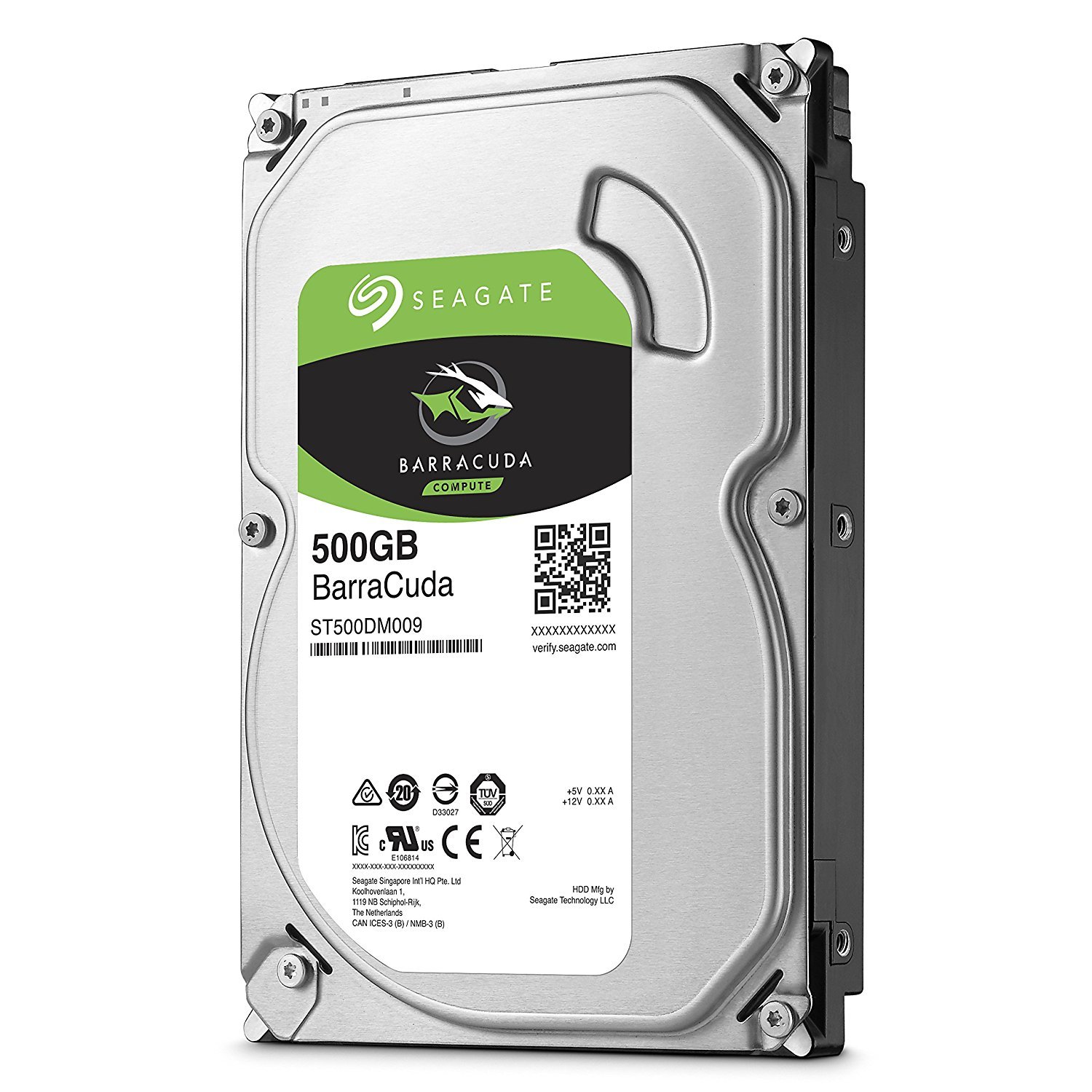
The Seagate BarraCuda brings a 7200RPM spindle and a 32MB cache in a 6.0Gb/s configuration, delivering data transfer rates up to 750 MB/s burst speed. Real-world sequential reads hover around 140 MB/s, making it a strong contender for an older desktop that needs a speed boost over its original 5400RPM drive.
Multiple owners specifically praise how quiet the drive is — they note they cannot hear it running even inside a standard mid-tower case. The 3.5-inch form factor is clearly marked as a desktop-only unit, so do not attempt to fit this into a laptop bay. It ships in standard retail packaging without any additional cables.
This drive also works well in RAID arrays where consistent spindle speeds across multiple units matter. Users running it in Linux environments report fast boot times and zero compatibility issues, confirming the BarraCuda line’s reputation for cross-platform reliability.
Why it’s great
- Extremely quiet operation under load
- 7200RPM spindle with generous 32MB cache
- Solid for RAID array builds
Good to know
- Not compatible with laptops or 2.5-inch bays
- No mounting screws or SATA cable in box
3. Seagate Barracuda 7200 500GB ST3500418AS

The Seagate Barracuda 7200 ST3500418AS leverages proven perpendicular magnetic recording (PMR) technology and a 7200RPM spindle coupled with a 16MB cache and a SATA 3Gb/s interface. While the cache is half the size of modern 32MB drives, the PMR head design provides excellent bit stability and long-term data retention for archival use.
Users cloning older drives with DiscWizard report the process is seamless, and the drive performs well as a primary boot volume for HTPCs and DVRs handling multiple HD video streams. The best-in-class rotational vibration tolerance makes this a solid choice for multi-drive enclosures where physical resonance can cause performance drops.
Some owners have noted a slight audible click or buzz under heavy seeking, which may be worth considering for noise-sensitive setups. Still, with thousands of positive reviews across multiple generations, this model remains a benchmark for trusted 7200RPM storage.
Why it’s great
- PMR technology for reliable long-term data retention
- Excellent rotational vibration tolerance
- Proven track record in HTPC and DVR builds
Good to know
- 16MB cache is smaller than competing 32MB drives
- Some audible seek noise reported
4. Toshiba DT01ACA050 3.5 Inch 500GB 7200RPM

The Toshiba DT01ACA050 packs a 7200RPM motor with a 32MB cache into a standard 3.5-inch desktop form factor, using a SATA III interface rated at 750 Mbps burst data transfer. It delivers the same spindle speed and cache capacity as the WD Blue but often lands at a slightly lower investment point, making it a strong value proposition for budget-constrained builds.
Customers consistently rate the installation as effortless — the drive is recognized immediately in BIOS and formats without issues. The aluminum enclosure dissipates heat well, and the drive arrives well-packaged to survive shipping. Several reviewers have used it successfully as a backup drive where the 7200RPM speed cuts transfer times compared to eco-rated 5400RPM alternatives.
One potential drawback is that a small number of users report a loud buzzing or humming noise from the drive under continuous operation. This appears to be unit-specific rather than a design flaw, but it is worth noting if you require a dead-silent PC.
Why it’s great
- 7200RPM combined with 32MB cache at a budget-friendly price
- Excellent heat dissipation from aluminum enclosure
- Quick and easy plug-and-play installation
Good to know
- Some units produce noticeable buzzing noise
- Limited to one per customer on certain retailers
5. Seagate ST500LM021 7mm 2.5-Inch 500GB Laptop HDD
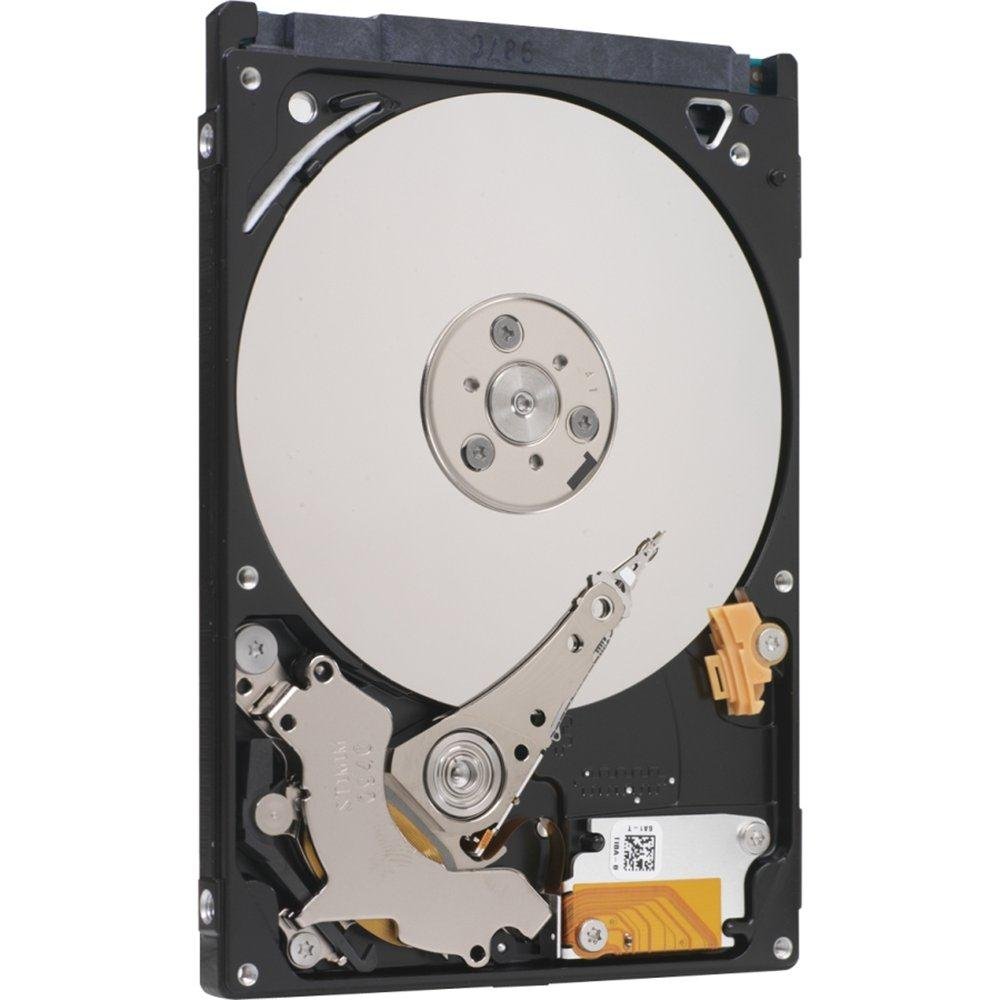
The Seagate ST500LM021 was one of the world’s first 7mm height 2.5-inch hard drives, engineering a full 7200RPM spindle and a 32MB cache into a profile slim enough for ultra-thin laptops and PlayStation 4 console upgrades. The SATA 6Gb/s interface ensures no bottleneck on modern laptop chipsets.
Owners appreciate how the thin form factor allows installation in bays that previously could not fit a standard 9.5mm drive. The self-encrypting drive (SED) feature adds a layer of data protection for business and personal use, though enabling it requires compatible BIOS and software support that casual users may not utilize.
At the entry-level segment, this drive offers the highest spindle speed available in the 7mm category. Some users have reported that the drive holds up well after over a year of daily laptop use, confirming that the 7mm engineering does not compromise long-term reliability.
Why it’s great
- 7200RPM performance in an ultra-slim 7mm package
- 32MB cache for faster application loading
- Self-encrypting drive support for data security
Good to know
- SED feature requires compatible hardware and software
- More expensive than 9.5mm 2.5-inch alternatives
6. WD Blue 500GB Desktop Hard Drive (WD5000AZLX Retail)

This retail variant of the WD Blue WD5000AZLX offers the same core specifications — 7200RPM class rotation, 32MB cache, and SATA 6Gb/s interface — as its bare-drive counterpart, but packaged in a standard box with potentially different warranty support. It is a reliable drop-in replacement for desktop PCs that need a secondary storage or boot drive.
Multiple long-term owners report zero failures across years of use, some dating back to manufacturing dates in 2021. The drive formats easily to NTFS or FAT32 and works transparently via USB-to-SATA adapters for external use. Acoustically, it is very quiet during idle and produces only mild seek noise under heavy load.
However, a small subset of users has encountered UltraDMA CRC Errors within weeks of installation, which typically points to a faulty SATA cable rather than the drive itself. Always verify your cable connection if you see such errors on first boot, and run a full surface scan before storing critical data.
Why it’s great
- Proven long-term reliability from a trusted brand
- 7200RPM with 32MB cache for responsive desktop use
- Very quiet idle operation
Good to know
- UltraDMA CRC errors reported if cable is marginal
- Retail packaging does not include SATA cable
7. Toshiba MQ01ABF050 500GB 2.5″ 7mm Laptop HDD

The Toshiba MQ01ABF050 specializes in slim, power-efficient storage with its 7.0mm z-height and a 5400RPM spindle paired with an 8MB cache. This drive is engineered primarily for low power consumption and cooler operation in thin laptops where battery life matters more than raw sequential throughput.
User feedback confirms the drive arrives sealed with zero power-on hours, passing CrystalDisk validation out of the box. It serves as an exact replacement for many budget laptops whose original drives failed within the first year. The SATA 6Gb/s interface ensures it does not bottleneck modern chipsets despite the lower RPM.
Do not expect this drive to perform as a primary OS drive in a high-performance scenario — the 8MB cache and 5400RPM speed limit it to file storage duty. The packaging is minimal, so consider ordering extra protection if you are concerned about shipping damage.
Why it’s great
- Ultra-slim 7mm design fits the tightest laptop bays
- Excellent power efficiency for better battery life
- Factory-sealed with verified zero hours of use
Good to know
- 5400RPM and 8MB cache limit performance
- Minimal packaging may risk shipping damage
FAQ
Can I use a 3.5-inch 500GB HDD in a laptop?
Is a 7200RPM 500GB HDD faster than a 5400RPM drive for gaming?
What does the cache size do on a 500GB HDD?
Final Thoughts: The Verdict
For most users, the best 500gb hdd winner is the WD Blue WD5000AZLX because it delivers 7200RPM speed with a 32MB cache at a price that undercuts almost every competitor while maintaining the quietest operation in its class. If you need a slim 7mm drive for a thin laptop, grab the Seagate ST500LM021. And for a budget-friendly desktop replacement where absolute silence is secondary to value, nothing beats the Toshiba DT01ACA050.