
You are looking at laptops with factory-installed 64GB of RAM. This is not the typical 8GB or 16GB budget configuration. It is the threshold where memory bottlenecks disappear entirely for modern AAA gaming, heavy multitasking, and running demanding creative or AI workloads simultaneously. A 64GB RAM gaming laptop eliminates the stutter when you leave a dozen Chrome tabs open while compiling shaders in Unreal Engine and running a game in the background.
I’m Min — the co-founder and writer behind Gadgets Feed. I’ve spent hundreds of hours analyzing technical specifications, comparing benchmark data, and digging into real user feedback across the segment to identify which 64GB configurations deliver genuine performance gains rather than just high component numbers on a spec sheet.
With 64GB of DDR5 memory under the hood, these machines are built to handle the most demanding tasks without breaking a sweat. This guide breaks down the best options available right now for a 64gb ram gaming laptop.
How To Choose The Best 64GB RAM Gaming Laptop
Choosing a laptop with 64GB of RAM means you are skipping the upgrade path and buying a machine that is ready for the most demanding software environments today. However, not all 64GB configurations are equal. The processor generation, GPU tier, and cooling solution will determine whether that RAM gets fully utilized or sits idle.
GPU Pairing Matters More Than You Think
The most common mistake is pairing 64GB of RAM with a GPU that cannot push modern AAA titles at high settings. A 64GB RAM gaming laptop needs at least an RTX 4060 or equivalent to feel well-balanced. Systems with an RTX 2050 or RTX 3050 may have the memory headroom for multitasking, but they will bottleneck gaming performance at 1440p or higher resolutions.
Check for Factory-Installed 64GB (Not User-Upgraded)
All products in this guide come with 64GB of RAM installed from the factory. This is critical because some third-party sellers list laptops as “64GB” after installing aftermarket RAM sticks, which can void warranties or cause compatibility issues with the system’s BIOS. Always verify that the manufacturer’s official configuration includes 64GB.
Display Refresh Rate and Resolution
With 64GB of RAM, you are likely using the laptop for high-frame-rate gaming or professional content creation. A 240Hz QHD or OLED display pairs well with this memory capacity. A 1080p 144Hz panel is acceptable for budget-minded buyers, but it will not fully showcase what a 64GB system can do.
Quick Comparison
On smaller screens, swipe sideways to see the full table.
| Model | Category | Best For | Key Spec | Amazon |
|---|---|---|---|---|
| Lenovo Legion Pro 7i Gen 10 | Premium | Ultimate Gaming & Creative Power | RTX 5080 16GB GDDR7 | Amazon |
| ASUS ROG Strix G18 | Premium | Large 18″ 240Hz Display | Intel Ultra 9 275HX | Amazon |
| Dell Alienware 18 Area-51 | Enthusiast | Maximum GPU Performance | RTX 5090 24GB GDDR7 | Amazon |
| Thunderobot Storm 17 5060 | Mid-Range | Balanced 2K Gaming | 17.3″ QHD 165Hz Display | Amazon |
| HP Victus 15 | Value | Entry-Level 64GB Gaming | RTX 2050 4GB GDDR6 | Amazon |
| NIMO 17.3″ Gaming Laptop | Budget Alternative | Productivity & Light Gaming | AMD Radeon 780M iGPU | Amazon |
In‑Depth Reviews
1. Lenovo Legion Pro 7i Gen 10

The Lenovo Legion Pro 7i Gen 10 packs an Intel Core Ultra 9 275HX processor and an NVIDIA GeForce RTX 5080 with 16GB of GDDR7 VRAM. The 64GB of DDR5-6400MHz RAM is configured as two 32GB CSODIMM sticks, running at full speed out of the box. The 16-inch WQXGA OLED display hits 500 nits peak brightness with a 240Hz refresh rate and covers 100% of the DCI-P3 color gamut, making it equally adept for competitive gaming and color-accurate content creation.
With a total graphics power of 175W and 1334 AI TOPS from the RTX 5080, this system handles ray-traced AAA titles at native 2560×1600 resolution without dropping below 60 FPS. The dual PCIe Gen4 NVMe drives (1TB each) provide read speeds exceeding 7,000 MB/s, ensuring level loads are nearly instant. The per-key RGB keyboard and 5.0MP webcam with electronic shutter round out the premium package.
User reviews highlight the gorgeous OLED panel and the fact that the RTX 5080’s performance exceeds expectations, with some benchmarks surpassing lower-tier RTX 5090 configurations in specific titles. The primary feedback is that the trackpad feels slightly cheap given the price point, and there is no Windows Hello IR camera for facial recognition. The Legion Ultimate Support warranty provides peace of mind for a flagship purchase.
Why it’s great
- Stunning 16″ OLED 240Hz display with HDR1000 certification
- RTX 5080 delivers exceptional 1440p ray tracing performance
- Factory 64GB DDR5-6400 RAM runs at full rated speed
Good to know
- Trackpad feels plasticky for a premium laptop
- No Windows Hello facial recognition camera
- Unit may arrive with seals tampered if seller upgrades RAM
2. ASUS ROG Strix G18
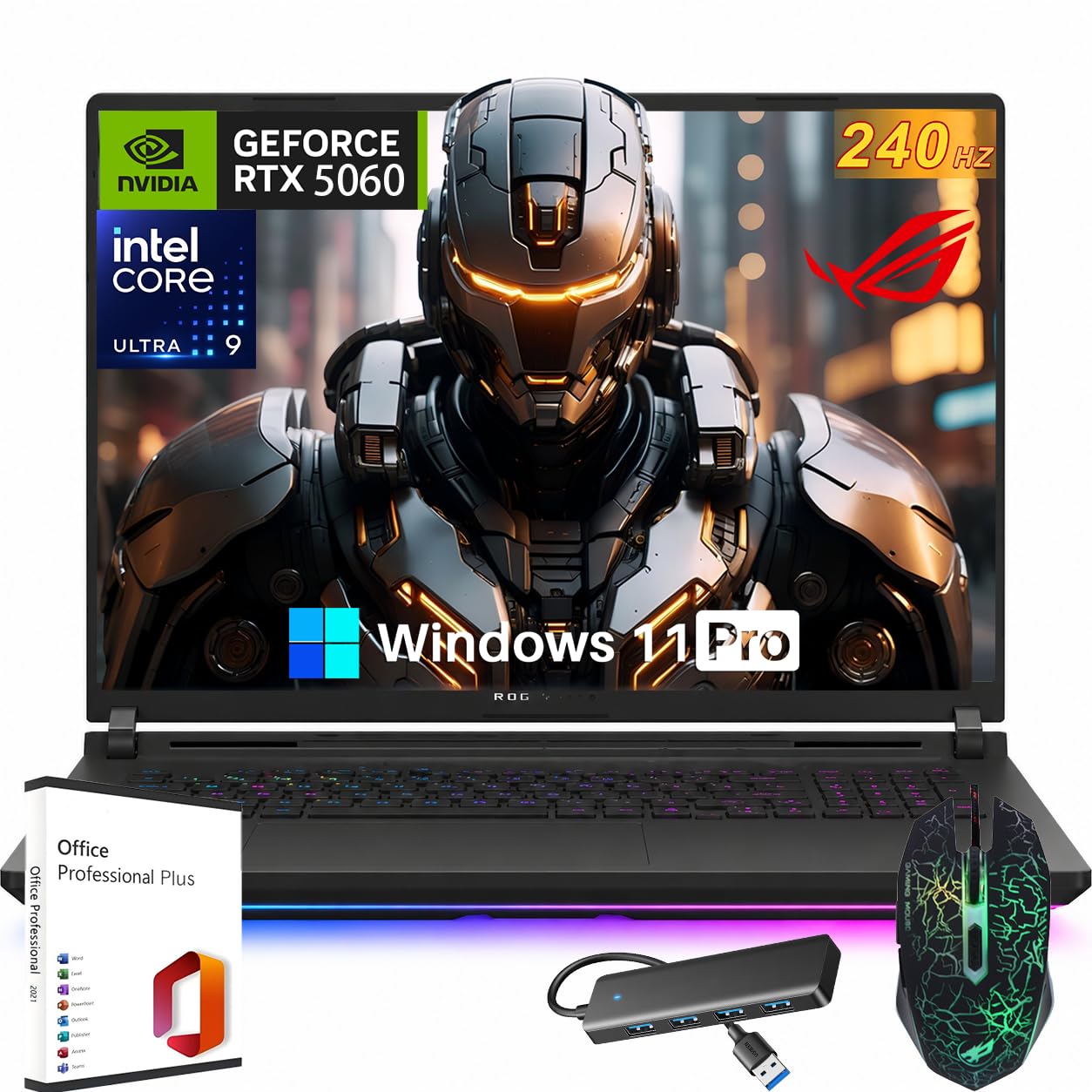
The ASUS ROG Strix G18 is built around an Intel Core Ultra 9 275HX processor with 24 cores (8 P-cores, 16 E-cores) reaching a maximum turbo frequency of 5.4 GHz. The RTX 5060 with 8GB of GDDR7 VRAM uses the Blackwell architecture and supports DLSS 4 for significant frame rate boosts in supported titles. The 64GB of DDR5 RAM and 2TB PCIe Gen4 SSD provide ample storage and memory for even the largest game libraries.
The 18-inch Nebula display runs at 240Hz with a 3ms response time, a specification that eliminates ghosting in fast-paced multiplayer shooters. The cooling system uses a three-fan design with wide heat pipes and a full-coverage vapor chamber, keeping the Ultra 9 processor from thermal throttling during extended gaming sessions. Wi-Fi 7 and Bluetooth 5.4 support ensure wireless connectivity is future-proof.
User feedback emphasizes the excellent thermal performance, with owners noting the laptop remains quiet under normal gaming loads. The inclusion of a lifetime Office license is a nice bonus for those who also need productivity software. The primary downside is the 18-inch chassis makes this less portable than 16-inch competitors, and the battery life under heavy gaming is roughly 3 hours, requiring an outlet for extended play sessions.
Why it’s great
- Massive 18″ 240Hz display with 3ms response time
- Intel Ultra 9 275HX with 24 cores for CPU-heavy tasks
- Effective vapor chamber cooling keeps temps in check
Good to know
- 18″ chassis reduces portability significantly
- Battery life is limited to about 3 hours under load
- RTX 5060 is mid-range tier for the GPU
3. Dell Alienware 18 Area-51

The Dell Alienware 18 Area-51 sits at the pinnacle of mobile gaming performance, dropping in an NVIDIA GeForce RTX 5090 with 24GB of GDDR7 VRAM. The Intel Core Ultra 9 275HX processor pairs with the full 64GB of DDR5 RAM to eliminate any potential bottleneck. The 18-inch WQXGA anti-glare display maintains a 2560×1600 resolution, providing sharp detail without the glare issues that plague glossy panels in brightly lit rooms.
Full ray tracing and DLSS 4 with Multi Frame Generation allow this machine to push well over 100 FPS in demanding titles like Cyberpunk 2077 at native resolution with path tracing enabled. NVIDIA Reflex 2 with Frame Warp technology reduces system latency to under 20ms in competitive shooters. The Liquid Teal chassis design with Alienware’s signature hexagonal fan vents and RGB lighting zones makes a clear visual statement about the hardware inside.
User reviews consistently note that the Alienware 18 Area-51 runs quieter than previous-generation MSI Titans with equivalent RTX 4090 GPUs, a significant thermal achievement. Some owners report that the NVMe drives lack pre-installed heat shields, and there can be minor IPS glow on the display panel. The build quality and overall performance receive near-universal praise, though the configuration is priced at a premium level that only serious enthusiasts will consider.
Why it’s great
- RTX 5090 with 24GB GDDR7 VRAM is the fastest mobile GPU available
- Runs quieter than competitors with equivalent performance
- Anti-glare 18″ WQXGA display for glare-free gaming
Good to know
- NVMe drives may ship without dedicated heat shields
- IPS glow can be noticeable on some units
- Extremely premium price point limits audience
4. Thunderobot Storm 17 5060
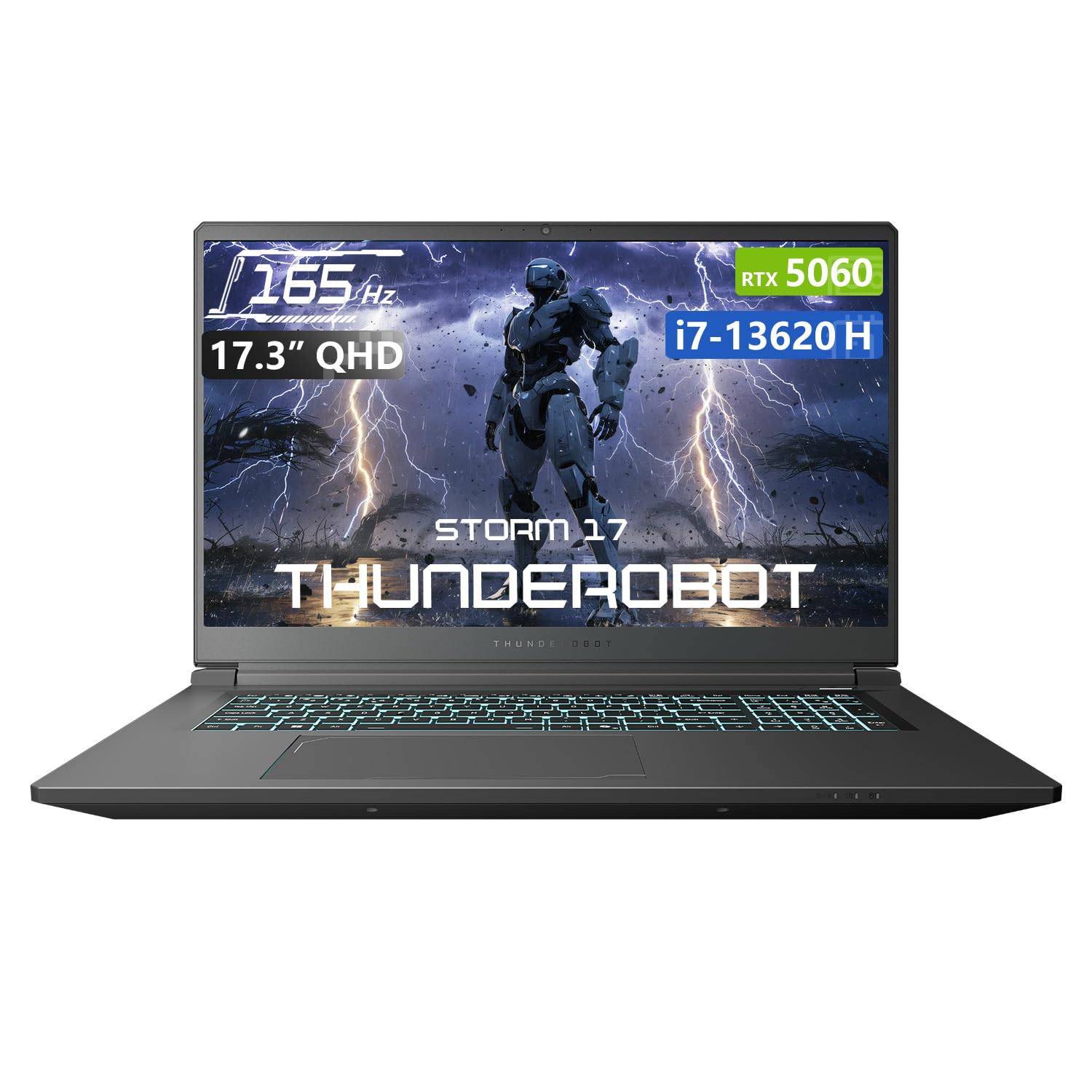
The Thunderobot Storm 17 5060 offers a balanced configuration for gamers who want 64GB of RAM and a modern GPU without paying flagship pricing. It runs an Intel Core i7-13620H processor with 10 cores and 16 threads, paired with an RTX 5060 GPU using 8GB of GDDR7 VRAM. The 64GB of DDR5 RAM ensures there is never a memory shortage, even when running multiple VM instances or streaming while gaming.
The 17.3-inch QHD display operates at 165Hz, providing a noticeable upgrade over standard 144Hz panels for competitive gaming. The cooling system uses 245 ultra-thin 0.2mm copper fins with dual 12V turbofans that push 19.8 CFM of airflow, keeping the system at reasonable temperatures under sustained loads. A one-click forced cooling mode engages maximum fan speed for the most demanding gaming sessions.
User feedback highlights the excellent price-to-performance ratio, with owners noting the laptop handles 3D animation and video editing without stuttering. Some customers report that the unit crashes with very modern titles like Baldur’s Gate 3 under certain conditions, though this may be driver-related rather than a hardware flaw. The 2TB SSD provides generous storage, and the 100W PD fast charging via USB-C is a convenient feature for topping up between gaming sessions.
Why it’s great
- QHD 165Hz display offers sharp visuals and smooth motion
- Strong copper fin cooling system with dual turbofans
- 64GB DDR5 RAM and 2TB SSD at a mid-range price point
Good to know
- May crash with certain very modern AAA titles
- Battery life is poor under gaming load
- Power supply unit runs hot during extended use
5. HP Victus 15

The HP Victus 15 provides a factory 64GB DDR5 RAM configuration paired with an AMD Ryzen 5 7535HS processor and an NVIDIA GeForce RTX 2050 with 4GB GDDR6 VRAM. The 15.6-inch FHD display runs at 144Hz, providing smooth gameplay for esports titles and older games that do not require heavy GPU power. The 2TB PCIe M.2 SSD provides ample storage space for a large game library.
The RTX 2050 is a budget-tier GPU, meaning this laptop is best suited for games like Fortnite, Valorant, and CS2 at medium settings rather than ray-traced AAA titles. However, the 64GB of RAM and the AMD Ryzen 5 processor make this an excellent machine for coding, running virtual machines, or heavy multitasking between productivity applications. The full-size keyboard includes a numeric keypad, and the Wi-Fi 6 connectivity keeps online gaming low-latency.
User reviews note the laptop provides good gaming performance for its tier, with smooth graphics in supported titles. The main point of criticism is the battery life, which lasts only a few hours and requires the laptop to remain plugged in during gaming sessions. Some customers experienced durability issues, with one unit failing after three months followed by a positive customer service experience. The silver chassis is sturdy but uses a plastic shell that feels less premium than more expensive options.
Why it’s great
- Factory 64GB DDR5 RAM at a budget-friendly price
- 144Hz display provides smooth motion for competitive games
- 2TB SSD storage eliminates the need for immediate upgrades
Good to know
- RTX 2050 GPU limits AAA gaming potential
- Battery life is very short; needs AC power for gaming
- Plastic build quality may not survive accidental drops
6. NIMO 17.3″ Gaming Laptop
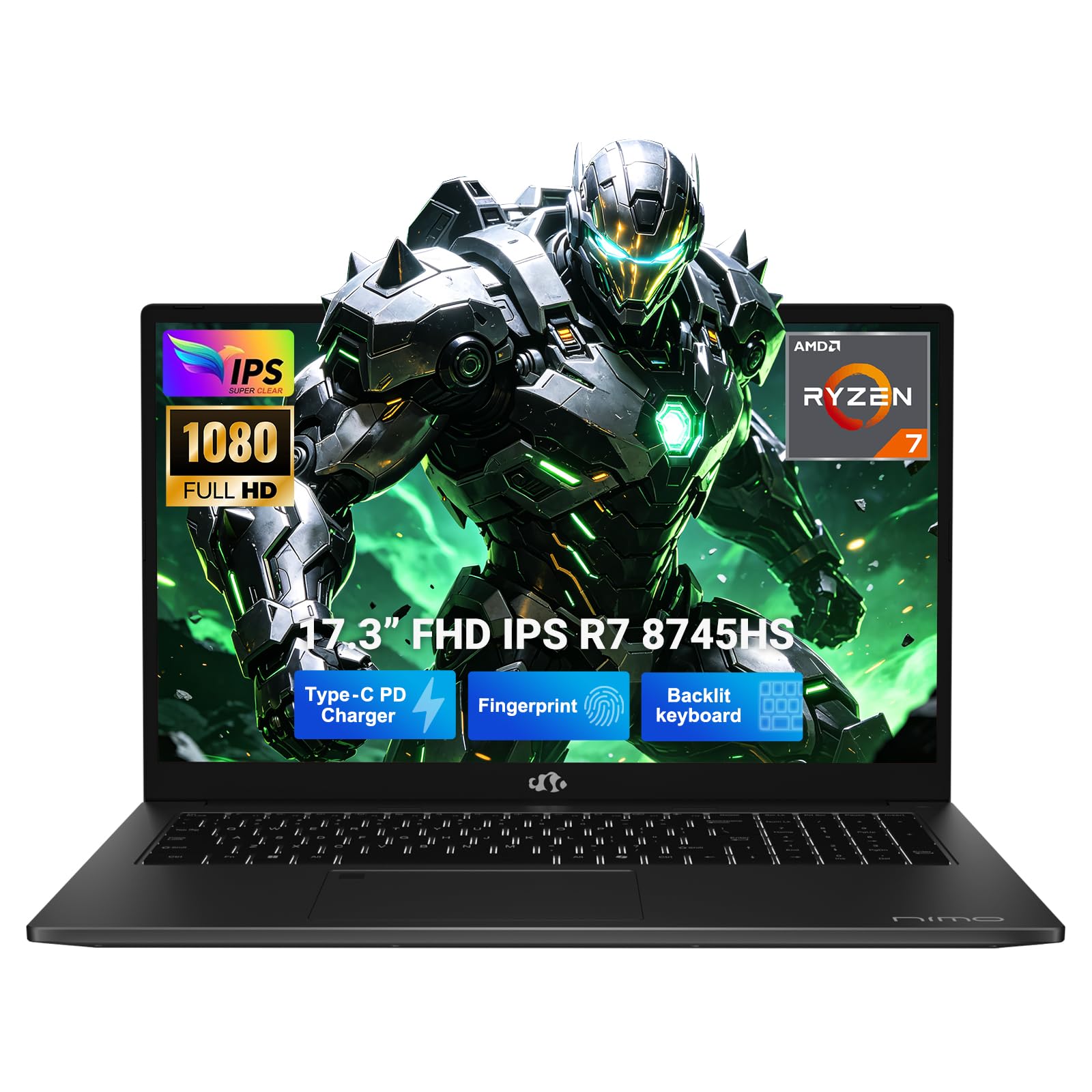
The NIMO 17.3-inch laptop takes a different approach by prioritizing CPU performance for productivity and creative work while integrating a USB 4.0 port for external GPU expansion. The AMD Ryzen 7 8745HS processor delivers 54W of sustained performance, and the Radeon 780M integrated graphics can handle lighter titles like Valorant at 1080p. The 64GB of DDR5 RAM and 2TB PCIe 4.0 SSD provide the memory and storage needed for video editing, 3D rendering, and AI workloads.
The USB 4.0 port supports data transfer speeds up to 40 Gbps and can connect to an external desktop GPU dock, allowing users to upgrade gaming performance later without replacing the entire laptop. The 17.3-inch FHD display provides a large workspace for multitasking, and the 100W PD charging via USB-C keeps the cable count low. The 58Wh battery supports up to 15 hours of light use, making this the longest-lasting option in the list for non-gaming tasks.
User feedback is generally positive, with owners noting the laptop handles 4K video editing and AI model training smoothly thanks to the 64GB RAM. The charger being USB-C is frequently mentioned as a major convenience factor. Some users report that the keyboard backlight turns off too quickly, the laptop runs warm under sustained load, and the integrated Radeon 780M graphics are not suitable for modern AAA gaming without an external GPU. The two-year USA warranty provides reassurance for long-term ownership.
Why it’s great
- USB 4.0 port allows future eGPU upgrades
- Excellent battery life for a 17.3-inch laptop
- 64GB RAM and 2TB SSD at a very competitive price
Good to know
- Integrated Radeon 780M cannot handle AAA gaming
- Runs warm during prolonged CPU-heavy tasks
- Keyboard backlight timeout is annoyingly short
FAQ
Do I need 64GB of RAM for gaming in 2025?
Will a 64GB RAM gaming laptop bottleneck with an RTX 2050?
Final Thoughts: The Verdict
For most users, the 64gb ram gaming laptop winner is the Lenovo Legion Pro 7i Gen 10 because it combines a factory 64GB DDR5-6400 configuration with a top-tier RTX 5080 GPU and a stunning OLED 240Hz display that handles both gaming and creative work. If you want the largest screen and best cooling, grab the ASUS ROG Strix G18. And for maximum gaming performance with the RTX 5090, nothing beats the Dell Alienware 18 Area-51.