
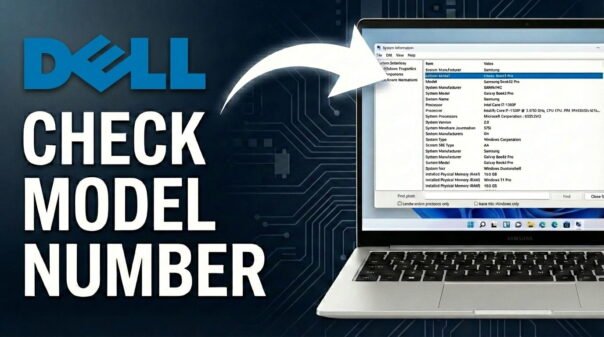
Need to find your Dell laptop model number but not sure where to look? You might need it for driver downloads, warranty checks, ordering parts, or getting support. Here are 3 quick methods that work on Windows 10 and Windows 11.
Looking for other laptop brands? Also check our guides on how to find your Samsung laptop model, Acer laptop model, and ASUS laptop model.
Method 1: Check the Physical Label
Flip your Dell laptop over and look for a sticker on the bottom panel. It shows the model name, Service Tag, and Express Service Code. The Service Tag is a 7-character alphanumeric code unique to your specific unit.
If the sticker is worn or missing, check the palm rest near the keyboard or the screen bezel. You can also check the original box if you still have it.
Method 2: Use Windows Built-in Tools
System Information (msinfo32)
- Press Windows + R, type msinfo32, and press Enter.
- In the System Summary panel, find the System Model field.
- This shows your exact Dell model, for example “Latitude 7420” or “XPS 15 9530”.
Command Prompt
- Open Command Prompt (search for it in the Start menu).
- Type wmic csproduct get name and press Enter.
- Your Dell laptop model name will appear on the next line.
Method 3: Use Dell SupportAssist or the Dell Website
Dell SupportAssist
Search for SupportAssist in the Start menu and open it. Your laptop model, Service Tag, and warranty status are all shown on the home screen. If it is not installed, download it free from Dell’s website.
Dell Support Website
Once you have your Service Tag, go to the Dell Support website and enter it in the search field. The site will show your exact model, original configuration, warranty details, and available drivers. This is the most complete way to get all information about your specific unit.
Related Guides
- What Model is My Samsung Laptop?
- What Model is My Acer Laptop?
- What Model is My ASUS Laptop?
- Acer Laptop Won’t Turn On: Easy Fixes
FAQ
Why do I need to know my Dell laptop model?
You need it to download the correct drivers, order compatible parts, check your warranty, or get accurate technical support from Dell.
What is a Dell Service Tag?
It is a unique 7-character alphanumeric code printed on the bottom of your laptop. It identifies your specific unit and its exact original configuration, and is used for warranty and support requests.
Is the model number the same as the Service Tag?
No. The model number identifies the product line (e.g. XPS 13, Latitude 7420). The Service Tag identifies your specific individual unit within that model.
Can I find my Dell model if the laptop won’t turn on?
Yes. Check the physical label on the bottom of the laptop or on the original box. You do not need the laptop to be powered on to find the model number or Service Tag.
All three methods above take less than a minute. Use whichever one is most convenient for your situation and you will have your Dell model number ready for whatever you need it for.