
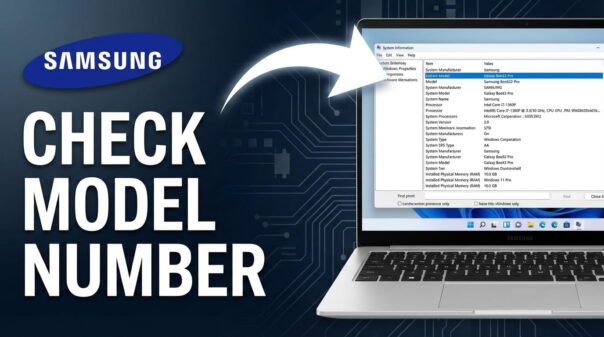
Need to find your Samsung laptop model number? You might need it for drivers, warranty support, or buying compatible accessories. The quickest way is to flip your laptop over and check the sticker on the bottom. Here are 3 easy methods that work on Windows 10 and 11.
1) Check the Physical Label
This works even if your laptop won’t turn on.
- Flip your Samsung laptop upside down
- Find the sticker on the bottom panel
- Look for Model Name or Model Code
- Samsung model codes usually start with NP, for example NP550XTA or NP750QUB-KD1US
On older Samsung laptops with a removable battery, check inside the battery compartment. You can also check the original box or purchase receipt if the sticker is worn.
2) Use Windows System Information
This pulls the model directly from your system firmware and is always accurate.
- Press Windows key + R to open the Run dialog
- Type msinfo32 and press Enter
- Find System Model in the right pane
- The value shown is your exact Samsung model, for example Galaxy Book Pro 360
3) Use Command Prompt
The fastest software method, done in seconds.
- Search for CMD in the Start menu and open it
- Type wmic csproduct get name and press Enter
- Your Samsung model name appears on the next line
FAQ
What is the difference between a model name and a model code?
The model name is the common name like “Galaxy Book Pro”. The model code like “NP950XDB-KC1US” is more specific and identifies the exact hardware configuration and region. For drivers and parts, always use the model code.
Why do I need my Samsung laptop model number?
You need it to download correct drivers from the Samsung support website, find compatible parts, and get accurate technical support.
Can I find the model number if my Samsung laptop won’t turn on?
Yes. Check the physical label on the bottom of the laptop or inside the battery compartment. No power is needed for this method.
Where else can I find my Samsung model information?
Check the original packaging box, your purchase receipt, or your Samsung account if you registered the device after purchase.
All three methods take under a minute. Pick whichever suits your situation and you will have your Samsung model number ready.
You May Like: